
James Bond 007: Blood Stone, for PC, download for pc, free version game, free pc game
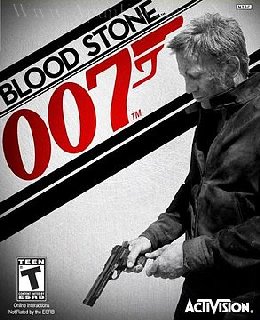
Before downloading make sure that your PC meets minimum system requirements.
Minimum System Requirements
- OS: Windows XP/Vista/7
- Processor: Intel Core 2 Duo @ 1.8 Ghz / AMD Athlon 64 X2 3800+
- RAM: 1 GB
- Hard Drive: 12 GB free
- Video Memory: 256 MB
- Video Card: nVidia GeForce 7600 / ATI Radeon X1650
- Sound Card: DirectX Compatible
- Network: Broadband Internet Connection for Online Multiplayer
- DirectX: 9.0c
- Keyboard and Mouse
- DVD Rom Drive
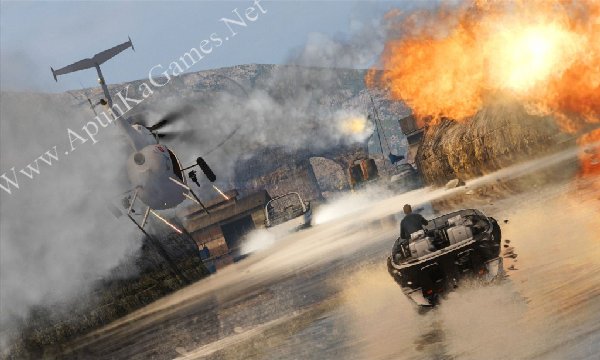
Screenshots
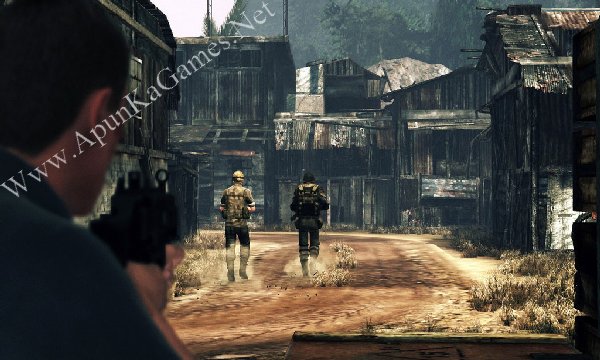
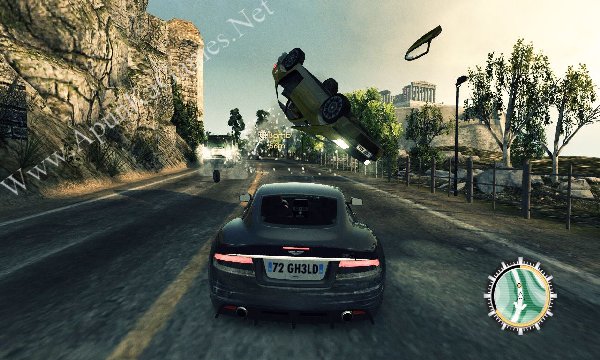
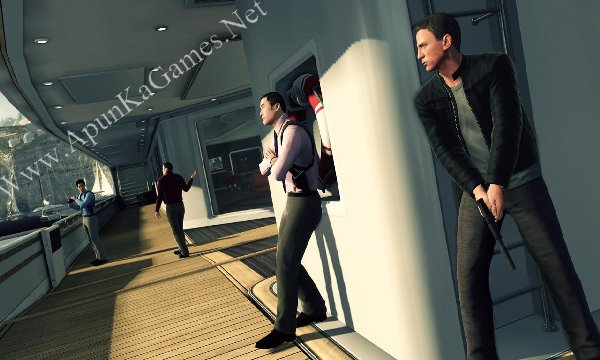
How to Install?
- Extract the file using Winrar. (Download Winrar)
- Open “JB 007 Blood Stone” folder, double click on “Setup” and install it.
- After installation complete, go to the folder where you extract the game.
- Open “Crack” folder, copy all files and paste it where you install the game.
- Then double click on “Bond” icon to play the game. Done!
How to Download?
If your don’t know how to Download this game, just Click Here!
If your don’t know how to Download this game, just Click Here!
Game Size: 5.28 GB
Password: www.apunkagames.net or apunkagames

sir plzzzzzzzzzzzzzzzzzzzzzzzzzzzzzzzzzzzzzzzzzzzzzzzzzzzzzzzzzzz
what
The game says “insert CD/DVD” how to fix it?
paste the crack
Thank You So Much……
It Completely Works!!!
The ‘insert CD/DVD’ problem can be fixed by copying the files in crack folder and pasting them in the folder where the game is installed as replied by @zeaa
sir plizzzzzzzz how to fix game crushung when opening it just black screen and crushes
after installation is finished did you put the game crack? or try to reinstall but first disable all antivirus + windows security and then extract and install the game… Follow these step!
01.Open “JB 007 Blood Stone” folder, double click on “Setup” and install it.
02.After installation complete, go to the folder where you extract the game.
03.Open “Crack” folder, copy all files and paste it where you install the game. (Note: you Must copy Crack file and replace or overwrite it where you install the game)
04.After crack, then double click on “Bond” icon to play the game. Done… it will work 100%!
Stuck on the first loading screen
100% working setup. Follow instruction Step by step:
01. Extract the file using Winrar. (Download Winrar)
02. Open “JB 007 Blood Stone” folder, double click on “Setup” and install it.
03. After installation complete, go to the folder where you extract the game.
04. Open “Crack” folder, copy all files and paste it where you install the game.
05. Then double click on “Bond.exe” icon to play the game. Done!
the situation changed now. I doiwnloaded and followed all the instructions above but the problem is when i double click on bond icon to play game, nothing is happening . when i checked the task manager, i found that the bond.exe file got loaded and then disappeared in 3 second from task manager. how to fix this ?
Bro, since Bond.exe appears in Task Manager for 2–3 seconds and then disappears, try these fixes:
Run Bond.exe as Administrator.
Right-click Bond.exe → Properties → Compatibility → try Windows 7 compatibility mode.
Make sure Data Execution Prevention (DEP) is set to the Windows default: “Turn on DEP for essential Windows programs and services only.” This is a documented Blood Stone launch/crash fix.
Install the game’s required DirectX 9.0c components. Blood Stone uses Direct3D 9.0c.
Repair/install the Microsoft Visual C++ Redistributables, then restart your PC.
Start the game and immediately open Task Manager → Details → Bond.exe → Set affinity. If the game stays running, try unchecking CPU 0. CPU-affinity problems are a known issue with Blood Stone on modern systems.
Also check Windows Security → Protection History to make sure Windows Defender hasn’t removed a game file.