
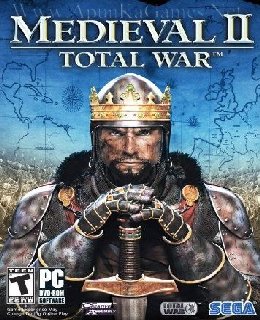
Medieval II: Total War Game, PC download, free version game, free pc game, for PC
Before downloading make sure that your PC meets minimum system requirements.
Minimum System Requirements
- OS: Windows 2000/XP
- Processor: Celeron 1.5GHz, Pentium 4@ 1.5GHz
- RAM: 512 MB
- Hard Drive: 11 GB available space
- Video Card: 128 MB Hardware Accelerated
- DirectX: 9.0c
Screenshots
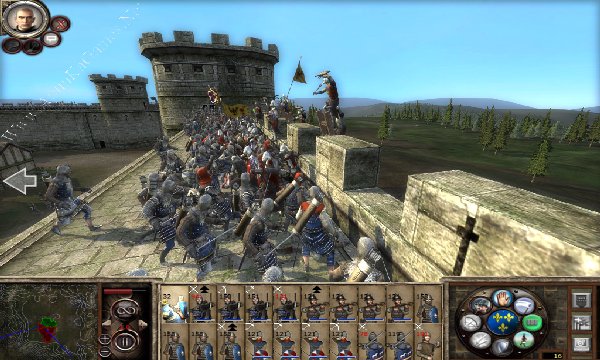
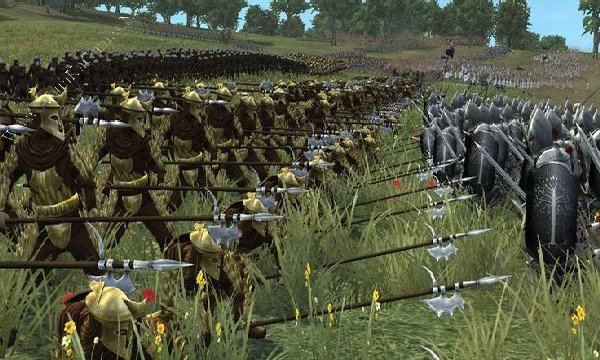
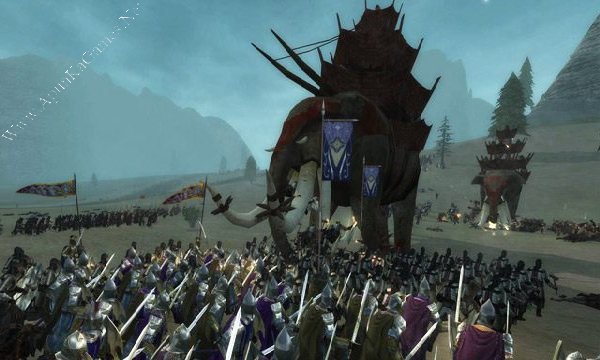
How to Install?
- Extract the file using Winrar. (Download Winrar)
- Open “Medieval 2 – Total War” folder, double click on “Setup” and install it.
- After installation complete, go to the folder where you install the game.
- Open folder, double click on “medieval2” icon to play the game. Done!
How to Download?
If your don’t know how to Download this game, just Click Here!
If your don’t know how to Download this game, just Click Here!
Game Size: 7.21 GB
Password: www.apunkagames.net or apunkagames

what version of this game
what is the password dude? i am trying the given password but it’s not working
http://www.apunkagames.net or apunkagames
It’s not working please some one help me
Tell me problem?
whats the password
apunkagames or http://www.apunkagames.net
bg link part 2 yang 4gb mati bg
Link updated and Fixed… you can download now. Thanks for reporting deleted link. keep supporting our website!
bro part 1 says file damaged i cant seem to extract it
passward is showing incorrect!!!
Type these passwords one by one (make sure Caps Lock is off) or just copy and paste it.
apunkagames
www.apunkagames.netwww.apunkagames.comIs the game still working? I downloaded it but a bunch of other files got downloaded and my antivirus blocked all of it.
Brother, it’s 100% safe. Your antivirus is blocking some DLL files included with the setup, which is why you’re seeing those warnings. Just turn off your antivirus temporarily, install the game, and then you can turn it back on. The game should work perfectly. 👍
Hey dear,
I downloaded this game in 4GB parts but while installation it shows error german_localized.zip corrupted and grenny2.dll not found.
I downloaded DLL file and tried to install it, it installed and ran but while attacking other faction it show unexpected error
Please assist me as soon as possible.
We checked the game again, and this setup is 100% working. Please follow the instructions step by step. Before extracting and installing the game, temporarily disable your antivirus, as it may block or quarantine required DLL files.
Download all parts and paste them into one new folder.
01. Extract the file using Winrar part 1 and automatically all parts will extracted.
Password is:
www.apunkagames.net02. Open “Medieval 2 – Total War” folder, double click on “Setup” and install it.
03. After installation complete, go to the folder where you install the game.
04. Then go to “Medieval 2 Total War Gold” folder, run the game using >> “medieval2.exe” to play. Enjoy!
Note: This setup has been tested on Windows 10 and works 100%. Medieval II: Total War – Gold Edition includes the base game, Medieval II: Total War, along with its official expansion pack, Total War: Kingdoms.
Bro why am i seeing renpy instead
If you’re seeing Ren’Py instead of the game, it may be a Ren’Py-based game or you may be opening the wrong executable. Please check the game folder and launch the main “.exe” file.