
The Godfather 2 Game, PC download, free version game, free pc game, for PC
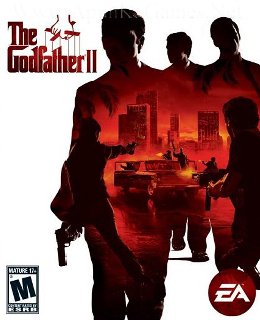
Before downloading make sure that your PC meets minimum system requirements.
Minimum System Requirements
- OS: Windows Windows XP (SP2)/Vista/7
- Processor: 2.8 GHz processor or equivalent (any Pentium 4 2.8 GHz or better, AMD Athlon64 3000+ or better, any Athlon64 X2 or Core Duo processor)
- RAM: 2 GB
- Hard Drive: 10 GB Free
- Video Memory: 512 MB
- Sound Card: DirectX Compatible
Screenshots
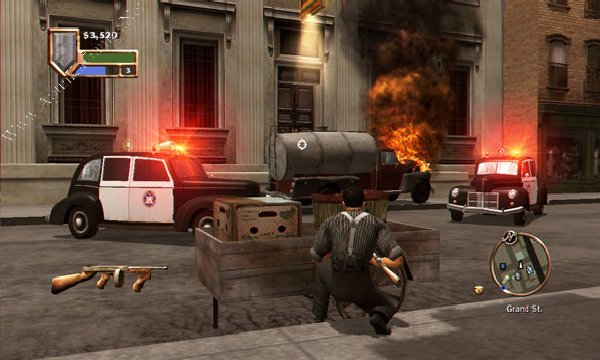
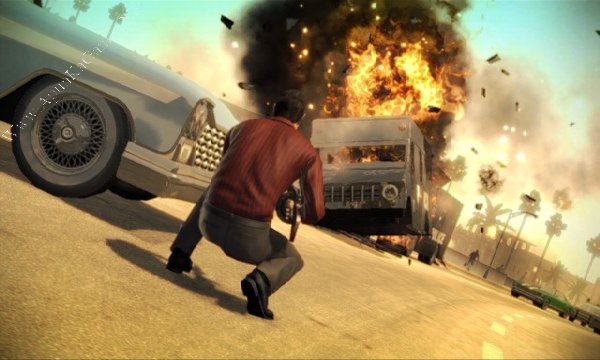
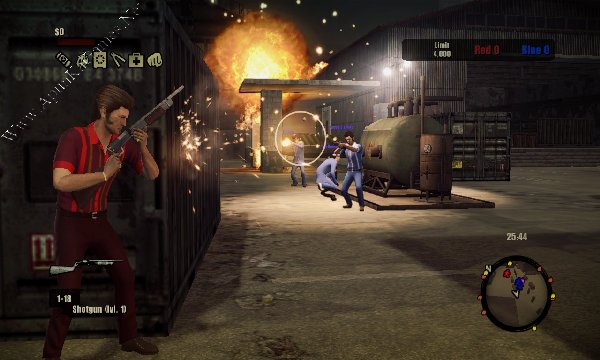
How to Install?
- Extract the file using Winrar. (Download Winrar)
- Open “The Godfather 2” folder, double click on “The Godfather II nosTEAM.part1” and install it.
- After installation complete, go to the folder where you install the game.
- Open folder, double click on “godfather2” icon to play the game. Done!
How to Download?
If your don’t know how to Download this game, just Click Here!
If your don’t know how to Download this game, just Click Here!
The Godfather 2 Free Download
Click Here to Download This Game
Game Size: 6.02 GB
Password: www.apunkagames.net or apunkagames
Click Here to Download This Game
Game Size: 6.02 GB
Password: www.apunkagames.net or apunkagames

this app cant run on your PC. What Can i do?
Hello i have a problem when i duble click on [the godfather.exe] for extract the file is says this app cant run on your PC
Brother, first right-click on the thegodfather.exe file and select Extract Here. After the extraction is complete, open the extracted folder, run the setup and install the game. Once the installation is finished, run the game using the godfather2.exe file to play. Also if you’re getting “This app can’t run on your PC” again try this: when double-clicking thegodfather.exe, it may be a compatibility issue with the old game on your Windows version. First, make sure you have fully extracted the game files, then right-click the .exe → Properties → Compatibility and try Windows XP (Service Pack 3) compatibility mode. Also try Run as administrator.
thx brother now is works i appreciate your work i like to be here admin
You’re most welcome, brother! ❤️ Glad it’s working now. Thanks a lot for your support! 🙏🔥 Feel free to ask anytime.