
Wolfenstein (2009) Game, PC download, free version game, free pc game, for PC
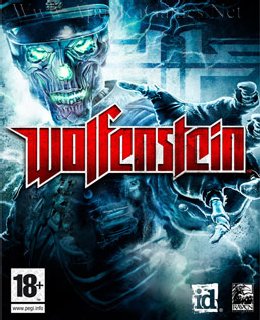
Before downloading make sure that your PC meets minimum system requirements.
Minimum System Requirements
- OS: Windows XP/Vista/7
- Processor: Intel(R) Pentium(R) 4 3.2 GHz
- RAM: 1 GB
- Hard Drive: 8 GB available space
- Video Card: 256 MB, NVIDIA(R) Geforce(R) 6800 GT or ATI Radeon(TM) X800
- DirectX: 9.0c
Screenshots
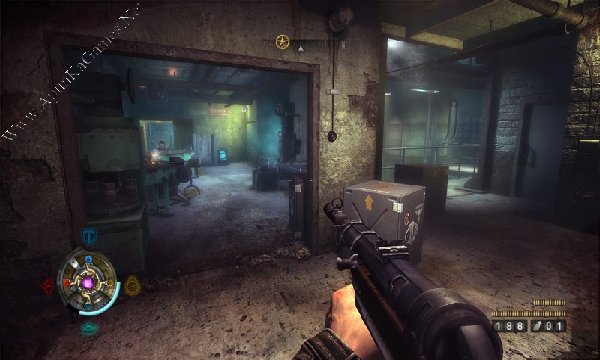
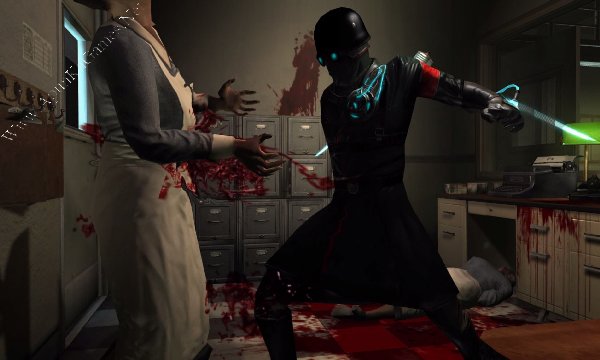
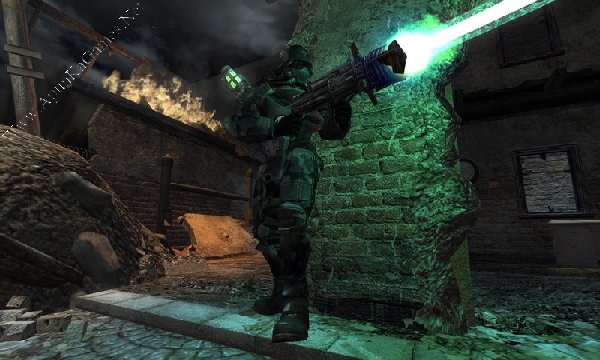
How to Install?
- Extract the file using Winrar. (Download Winrar)
- Open “Wolfenstein” folder, double click on “Setup” and install it.
- After installation complete, go to the folder where you install the game.
- Open folder, double click on “Wolf2” icon to play the game. Done!
How to Download?
If your don’t know how to Download this game, just Click Here!
If your don’t know how to Download this game, just Click Here!
Game Size: 3.24 GB
Password: www.apunkagames.net or apunkagames

can’t able to download the game plz help me can you give me direct link of it
Can I run in windows 10
yes, you can !
The game is not working please fix it
Game is working 100% fine i’ve already checked it just follow these steps:
1. Extract the file using Winrar. (Download Winrar)
2. Open “Wolfenstein” folder, double click on “Setup” and install it.
3. After installation complete, go to the folder where you install the game.
4. Open folder, double click on “Wolf2.exe” icon to play the game. Done!
please uploud shatterline and conquerers blade.
Brother, Shatterline with All DLCs will be added soon.
As for Conqueror’s Blade, it’s an online multiplayer game that uses its own servers. It’s also free to play on Steam, so there’s no need to buy it. Just download Steam, create an account, search for Conqueror’s Blade, click Add to Library, then download and play it for free. ❤️🙏
Thanks for the requests and support, brother! 🎮🔥
bro rdr 1 not runs in my pc. my pc requirement is core i5 2nd generation with 8GB ram. amd 2 GB graphic card installed. when i try to open the game then shows D3D-11 is required. please help me and tell me. how can i solve the problem.
Brother, the D3D-11 is required error usually means your graphics card does not support DirectX 11 features required by the game. Having 2 GB of VRAM alone is not enough.
Please check the exact model of your AMD graphics card first. If it supports DirectX 11, update/install the latest AMD graphics driver and make sure Windows is fully updated. You can also install the latest DirectX runtime.
If your AMD GPU does not support DirectX 11, unfortunately the game will not run properly on that PC, even with 8 GB RAM. ❤️🙏
Send me your exact AMD GPU model, brother, and I can tell you whether it supports the game.