
Max: The Curse of Brotherhood Game, PC download, free version game, free pc game, for PC

Before downloading make sure that your PC meets minimum system requirements.
Minimum System Requirements
- OS: Windows XP/Vista/7/8
- Processor: Dual-Core 1.6 GHz / AMD Dual-Core Athlon 2.0ghz
- RAM: 2 GB
- Hard Drive: 2 GB available space
- Video Card: Intel HD 4000 or better
- DirectX: Version 9.0c
Screenshots
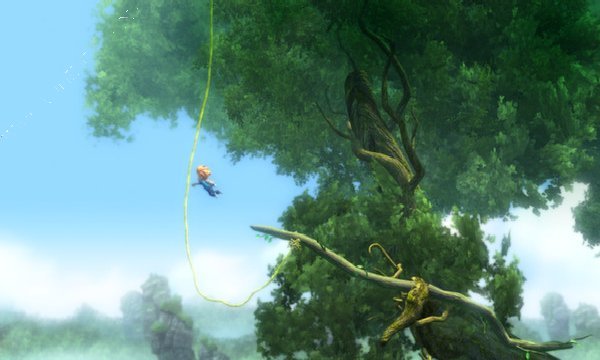
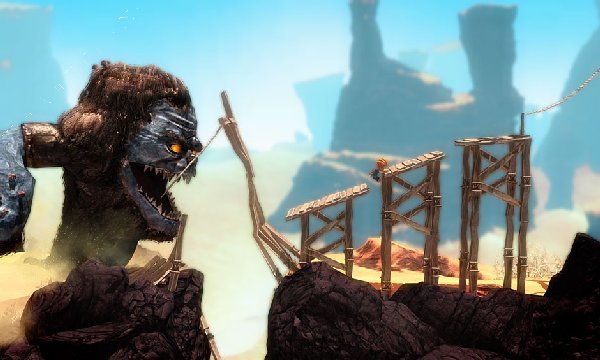
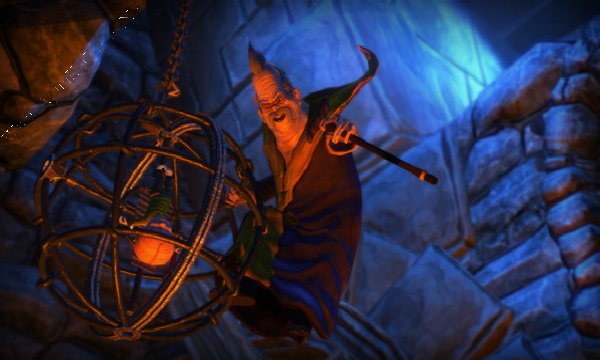
How to Install?
- Extract the file using Winrar. (Download Winrar)
- Open “Max The Curse of Brotherhood” folder, double click on “Setup” and install it.
- After installation complete, go to the folder where you install the game.
- Open folder, double click on “Max2” icon to play the game. Done!
How to Download?
If your don’t know how to Download this game, just Click Here!
If your don’t know how to Download this game, just Click Here!
Max: The Curse of Brotherhood Free Download
Click Here to Download This Game
Game Size: 1.75 GB
Password: www.apunkagames.net or apunkagames
Click Here to Download This Game
Game Size: 1.75 GB
Password: www.apunkagames.net or apunkagames

Is this full version of the game??
yes
Pls re-upload the download file it not available it
full game nahi hai please full game uplode karo
Yeh full game hai bhai last Update link (March 4 – 2026) ko kiya hai.
install kiya or game ko khelna suru kiya part1 tak chala us ke baad unlocked karne ko kahta hai, instaal se pahle jaise bataya tha same waise hi fill ko copy karne ke baad game unlocked nahi ho raha
Bhai, puri game unlock karne ke liye jahan aapne game extract ki hai, wahan “Crack” folder hoga. Us folder mein steam_api ki 2 files hongi. Dono files copy karke jahan game install ki hai, wahan paste karo aur Replace kar do. Phir game run karo, full version unlock ho jayega.
Note: Full game khelne ke liye pehle crack files apply karo, phir game run karo. Ye method 100% working hai. Files paste karke replace karne ke baad game full unlock ho jayegi, guaranteed. Enjoy!
We check again. This game is 100% working setup. Please follow the instructions step by step: before extracting and installing the game, turn off your antivirus. After installation, you can turn it back on, as antivirus software may block DLL files.
01. Extract the file using Winrar.
02. Open “Max The Curse of Brotherhood” >> “Game” folder, double click on “Setup” and install it.
03. After installation complete, go to the folder where you extract the game.
04. Open “Crack” folder, copy all files and paste it where you install the game. (Click Replace)
05. Then run the game using “Max2.exe” to play. Done!
Note: You must paste the crack files; otherwise, the game will not unlock the full version.