
Arma 3, PC download, free version game, free pc game, for PC
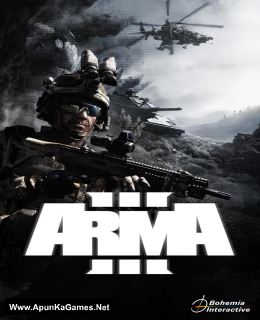
Before downloading make sure that your PC meets minimum system requirements.
Minimum System Requirements
- OS: Windows 7/Vista/8 (64-bit)
- Processor: Intel Dual-Core 2.4 GHz or AMD Dual-Core Athlon 2.5 GHz
- RAM: 4 GB
- Hard Drive: 32 GB available space
- Video Card: 512 MB, NVIDIA GeForce 9800GT / AMD Radeon HD 5670
- DirectX: 10
Screenshots
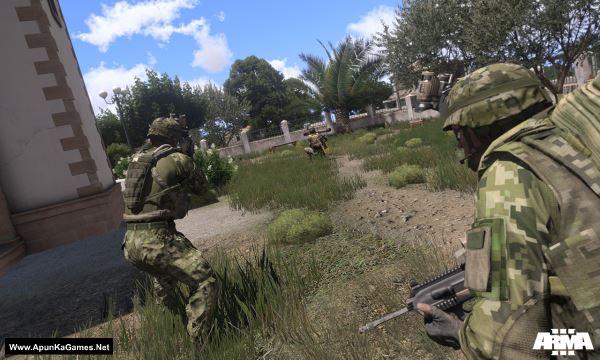
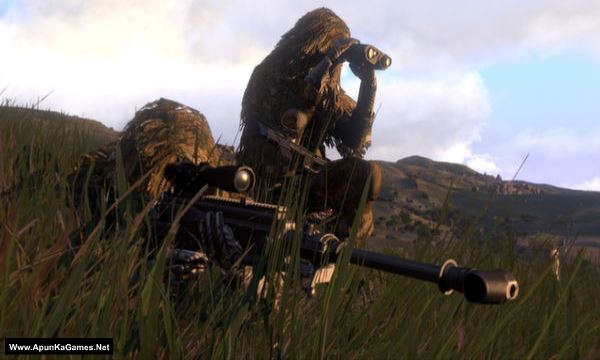
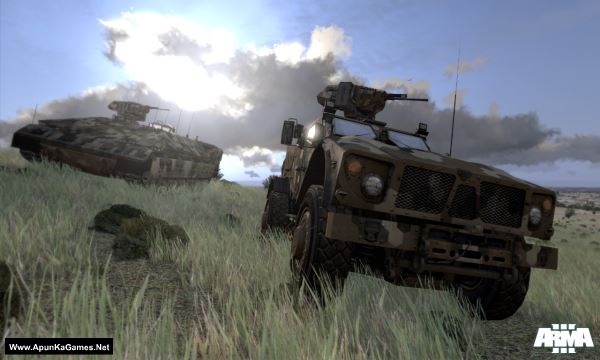
How to Install?
- Extract the file using Winrar. (Download Winrar)
- Open “Arma 3” folder, double click on “Setup” and install it.
- After installation complete, go to the folder where you extract the game.
- Open “Crack” folder, copy all files and paste it where you install the game.
- Then double click on “arma3” icon to play the game. Done!
How to Download?
If your don’t know how to Download this game, just Click Here!
If your don’t know how to Download this game, just Click Here!
Game Size: 8.22 GB
Password: www.apunkagames.net or apunkagames

The link expired!!!!????? ….at 4gb 1st part
??
Why do I get the 404 error while downloading in file locker.
Please fix it’s very annoying ??
Brother Link pe click karne pe steam khul jaa raha hai game khul hi nahi raha
Link not working.Show 404 error.
Can you reupload this .plz
Links are working fine.
Bro part 1 has missing fires
Brother, don’t extract or check the parts one by one. First, download both parts of the game completely and paste them into the same folder. Make sure the file names haven’t been changed. After that, extract Part 1 only. The extraction will automatically use the other part, and there should be no error.