
Battlefield Hardline, PC download, free version game, free pc game, for PC
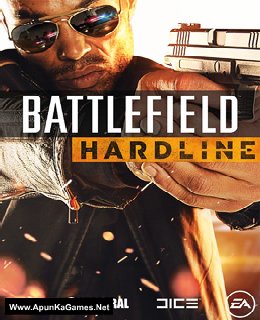
Before downloading make sure that your PC meets minimum system requirements.
Minimum System Requirements
- OS: Windows 7/Vista/8 (64-Bit)
- Processor: Intel Core i3/i5 2.4GHz or Athlon II/Phenom II 2.8 GHz
- RAM: 4 GB
- Hard Drive: 60 GB available space
- Video Card: NVIDIA GTX 260 896MB or ATI 5770 1GB
- DirectX: 11.0
Screenshots
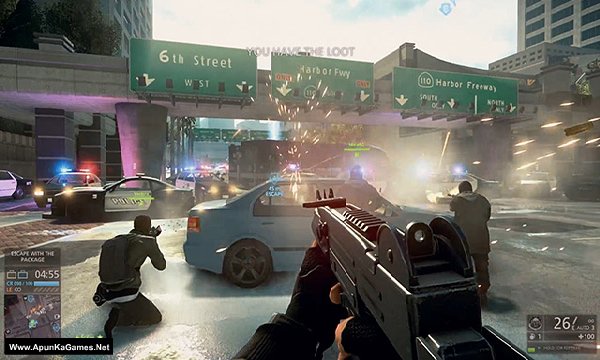
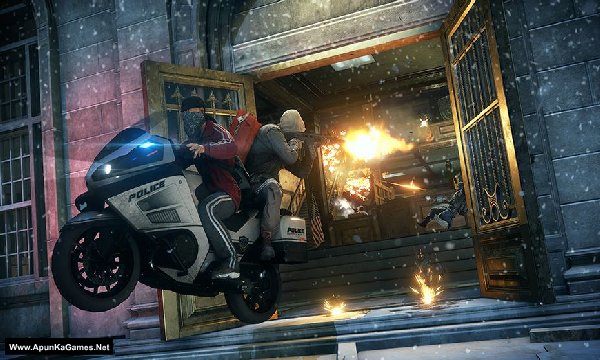
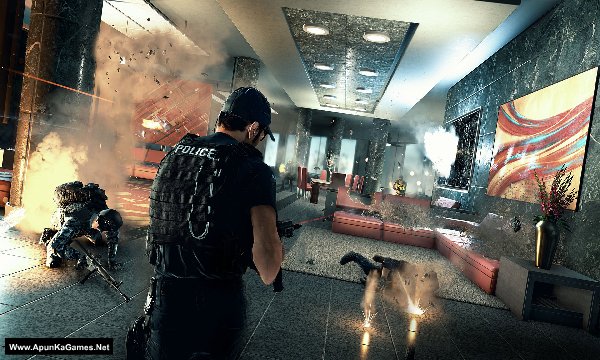
How to Install?
- Extract the file using Winrar. (Download Winrar)
- Open “Battlefield Hardline” folder, double click on “Setup” and install it.
- After installation complete, go to the folder where you extract the game.
- Open “Crack” folder, copy all files and paste it where you install the game.
- Then double click on “bfh” icon to play the game. Done!
How to Download?
If your don’t know how to Download this game, just Click Here!
If your don’t know how to Download this game, just Click Here!
Game Size: 48 GB
Password: www.apunkagames.net or apunkagames

bro does this work or not??
will this work on wndows 11?
i Download all the parts… installation also okay nothing error… but when i play the game this message ” The code execution cannot proceed because MSVCR100.dll was not found. Reinstalling the program may fix this problem.” can u solve it
Brother, this is an easy fix. 👍 MSVCR100.dll is part of the Microsoft Visual C++ 2010 Redistributable, so the error means that required runtime is missing or not installed correctly.
Please install the Microsoft Visual C++ 2010 Redistributable (both x86 and x64) from Microsoft’s official download page, then restart your PC and launch the game again. Microsoft confirms that the 2010 runtime contains msvcr100.dll. Don’t download MSVCR100.dll separately from random DLL websites. Install the official Visual C++ package instead. 👍
you can download the All in One Runtime package or the latest Microsoft Visual C++ Redistributables using the link below. Just download and install it—it fixes most DLL-related errors.
Click here to download redistributable packages
I have downloaded all the parts, extracted them to a setup file. But in the setup file, I can’t see a file from which I can install my game on the pc. I have downloaded and installed many games from Apun Ka Games, but I have never had an issue like this. This is the first time I am getting this issue and my Windows Defender was also off before downloading and during extracting.
Bro, if you downloaded all the parts and extracted them successfully but there is no setup.exe or installer file in the extracted folder, then the extraction may not have completed correctly or one of the archive parts may be damaged.
Since Windows Defender was already off, please try this:
Put all RAR parts in the same folder.
Open Part 1 with the latest WinRAR and use Tools → Test archived files to check all the parts for errors.
If WinRAR reports a corrupt/missing volume, re-download that specific part.
Delete the previously extracted folder and extract Part 1 again after all parts pass the test.
Check inside the newly extracted folder for setup.exe or another installer file.
If WinRAR shows no errors but the installer is still missing, send me a screenshot of the extracted folder contents. I can tell you what is missing.