
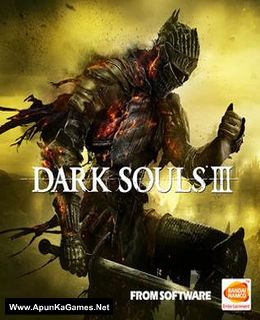
Dark Souls 3 Game – Overview – Free Download – PC – Compressed – Screenshots – Free – Specs – Torrent/uTorrent
Type of game: Action role-playing
PC Release Date: April 12, 2016
Developer/Publishers: FromSoftware, Bandai Namco Entertainment
Dark Souls III (17.8 GB) is a Dark Fantasy RPG game developed by FromSoftware, Inc. and published by BANDAI Namco. The game was released on 12 Apr, 2016 for Windows PC and received much appreciation from Critics all over the world. It continues to push the boundaries with the latest, ambitious chapter in the critically-acclaimed and genre-defining series. Prepare yourself and Embrace The Darkness!
Type of game: Action role-playing
PC Release Date: April 12, 2016
Developer/Publishers: FromSoftware, Bandai Namco Entertainment
Dark Souls III (17.8 GB) is a Dark Fantasy RPG game developed by FromSoftware, Inc. and published by BANDAI Namco. The game was released on 12 Apr, 2016 for Windows PC and received much appreciation from Critics all over the world. It continues to push the boundaries with the latest, ambitious chapter in the critically-acclaimed and genre-defining series. Prepare yourself and Embrace The Darkness!
Before downloading make sure that your PC meets minimum system requirements.
Minimum System Requirements
- OS: Windows 7/Vista/8/10 (64-bit)
- Processor: Intel Core i3-2100 / AMD® FX-6300
- RAM: 4 GB
- Hard Drive: 25 GB available space
- Video Card: NVIDIA GeForce GTX 750 Ti / ATI Radeon HD 7950
- Network: Broadband Internet connection
- DirectX: Version 11
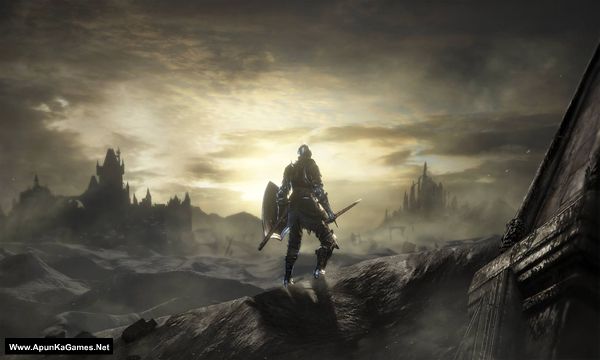
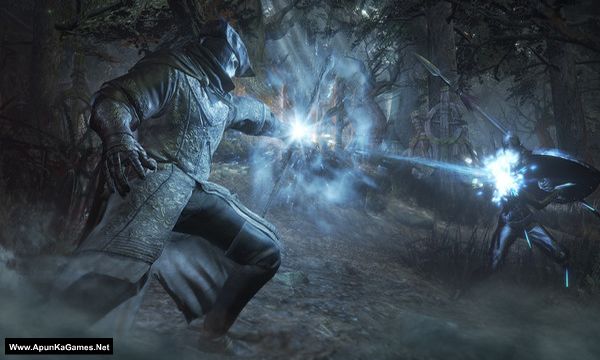
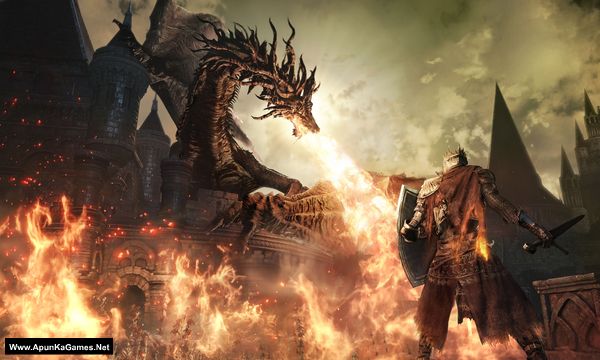
Screenshots
How to Install?
- Extract the file using Winrar. (Download Winrar)
- Open “Dark Souls 3” folder, double click on “Setup” and install it.
- After installation complete, go to the folder where you extract the game.
- Open “CODEX” folder, copy all files and paste it where you install the game.
- Then double click on “DarkSoulsIII” icon to play the game. Done!
How to Download?
If your don’t know how to Download this game, just Click Here!
If your don’t know how to Download this game, just Click Here!
Game Size: 17.8 GB
Password: www.apunkagames.net or apunkagames

Parts in 4Gb were removed
Fix the 4gb links
Even 900 mb parts needs to be fixed .. ??
Game is not launching please help
why?
do I need to install all part before playing? because all part have setup installer
hello i downloaded the game and it work also but when i press my movement keys the character kepps going there and it doesnt stops and i have checked keyboard its working fine pls help
This usually happens because of a stuck input, controller conflict, or game settings issue—not your keyboard itself. First, disconnect any controller/gamepad if connected, then restart the game. Also try switching the game between fullscreen and windowed mode, and reset the controls to default in settings. If it still happens, run the game as administrator and make sure no keyboard software or overlays are interfering 👍
Part 18 is not found
Link is working fine. just download one by one. Temporarily disable your antivirus/Windows Security while downloading, as it can sometimes block or interrupt files from cracked games. This can happen when you start or download multiple parts at the same time from TheFileLocker.
Please close all active IDM downloads and download the parts one by one. First let Part 17 finish completely, then download Part 18. After the downloads are complete, you can turn your antivirus back on and reconnect to the internet. If it still doesn’t work, try opening the download link using a VPN and then download the part. 🙏