
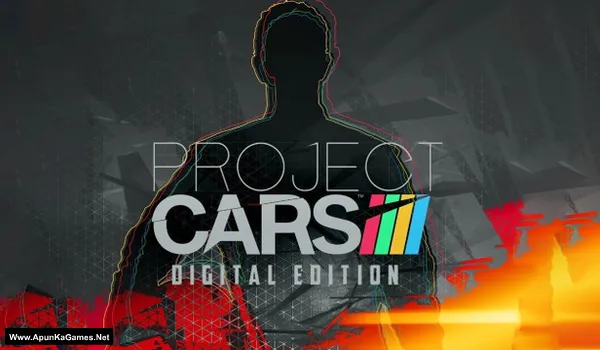
Project CARS Game – Overview – Free Download – Screenshots – PC – Specs – Free
Type of game: Racing simulation
PC Release Date: May 6, 2015
Developer/Publishers: Slightly Mad Studios, Bandai Namco Entertainment
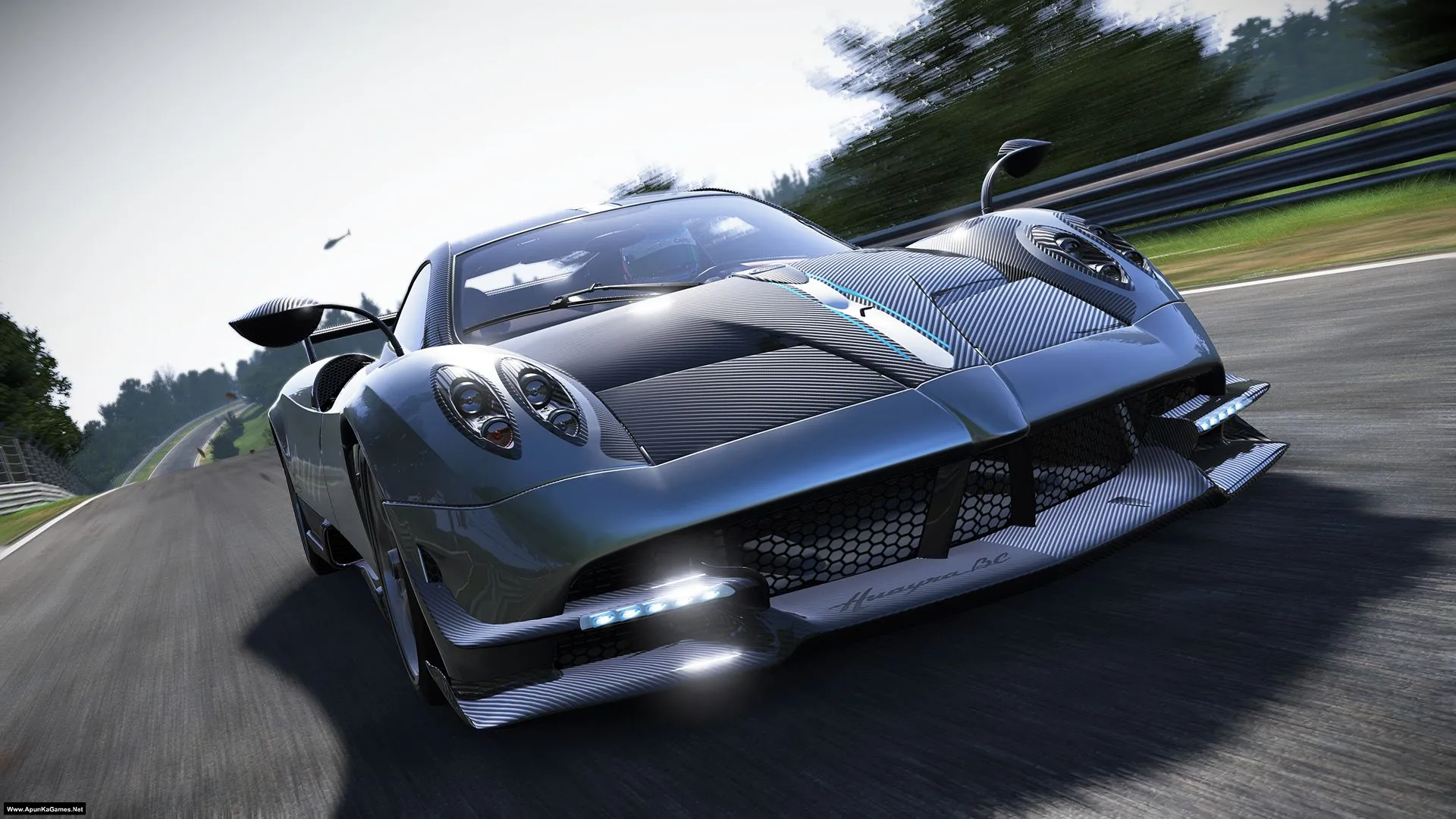
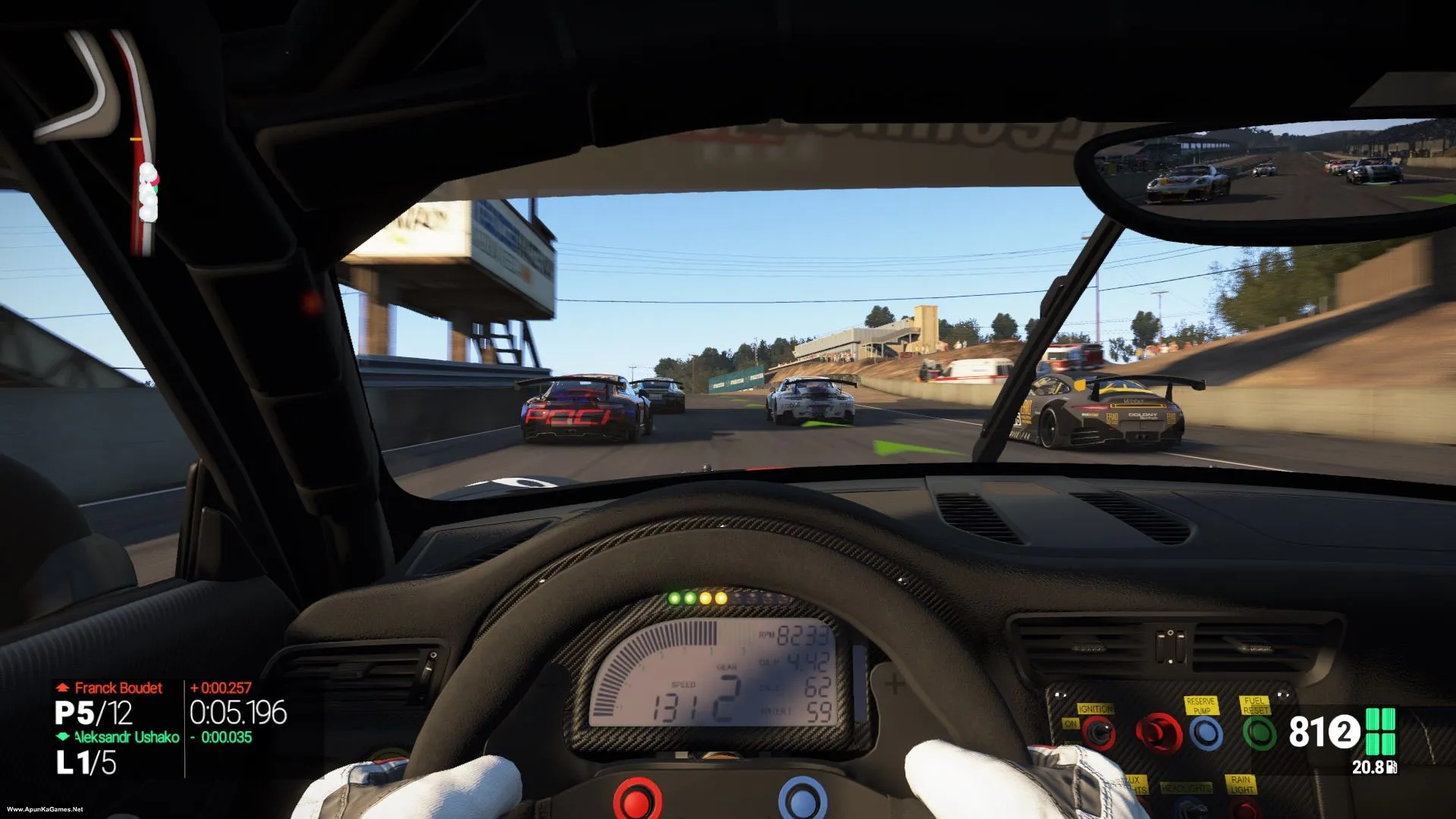
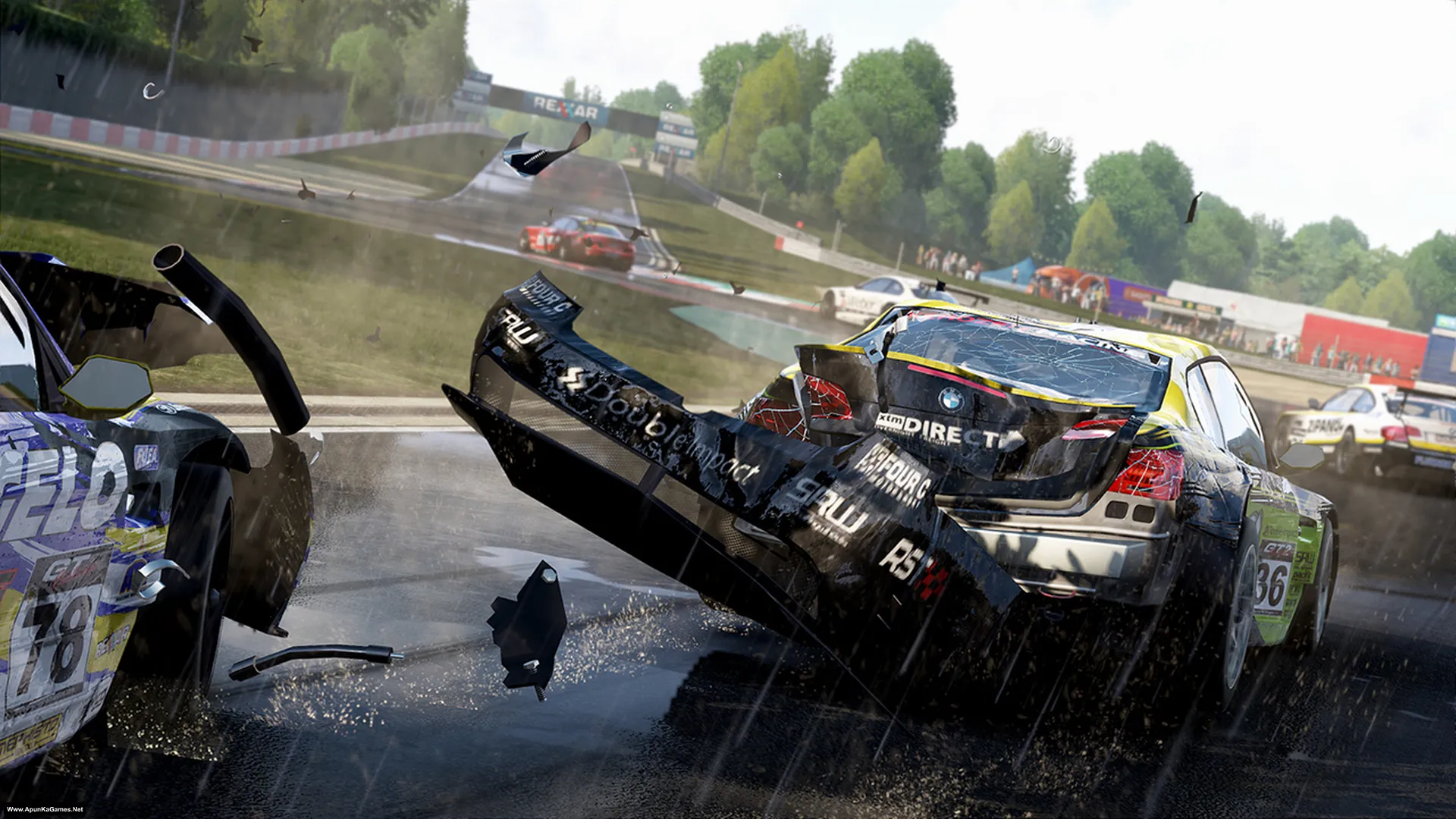
Project CARS (13.4 GB) is an Racing video game. Developed and published by Slightly Mad Studios, Bandai Namco Entertainment. It was released on May 6, 2015 for Windows. Project CARS is a realistic racing simulator focused on authentic motorsport experience. Gameplay features detailed cars, dynamic weather, realistic handling, and competitive races across real-world tracks.
Type of game: Racing simulation
PC Release Date: May 6, 2015
Developer/Publishers: Slightly Mad Studios, Bandai Namco Entertainment
Project CARS (13.4 GB) is an Racing video game. Developed and published by Slightly Mad Studios, Bandai Namco Entertainment. It was released on May 6, 2015 for Windows. Project CARS is a realistic racing simulator focused on authentic motorsport experience. Gameplay features detailed cars, dynamic weather, realistic handling, and competitive races across real-world tracks.
Before downloading make sure that your PC meets minimum system requirements.
Minimum System Requirements
- OS: Windows 7/Vista/8
- Processor: 2.66 GHz Intel Core 2 Quad Q8400, 3.0 GHz AMD Phenom II X4 940
- RAM: 4 GB
- Hard Drive: 25 GB available space
- Video Card: GeForce GTX 260, ATI Radeon HD 5770
- DirectX: Version 9.0c
Screenshots
How to Install?
- Extract the file using Winrar. (Download Winrar)
- Open “Project Cars” folder, double click on “Setup” and install it.
- After installation complete, go to the folder where you install the game.
- Open folder, double click on “Project Cars” icon to play the game. Done!
How to Download?
If your don’t know how to Download this game, just Click Here!
If your don’t know how to Download this game, just Click Here!
Project CARS Download
Game Size: 13.4 GB
Password: www.apunkagames.net or apunkagames

bro plz upload part 2 again
hey there
please reupload part 2 and 4
i have downloaded rest of the parts and now i am stuck here
apunkagames i think part 2 and 4 are either deleted or expired , upload them again
i was waiting to play this game but u guys are not listening
can you please re-upload the game please
Link is working fine. just download one by one. Temporarily disable your antivirus/Windows Security while downloading, as it can sometimes block or interrupt files from cracked games. This can happen when you start or download multiple parts at the same time from TheFileLocker.
Please close all active IDM downloads and download the parts one by one. First let Part 1 finish completely, then download Part 2. After the downloads are complete, you can turn your antivirus back on and reconnect to the internet. If it still doesn’t work, try opening the download link using a VPN and then download the part. 🙏