
 Ashes Cricket 2017 – Overview – Free Download – PC – Specs – Screenshots – Installation Video
Type of game: Sports
PC Release Date: 16 Dec, 2017
Developer/Publishers: Big Ant Studios
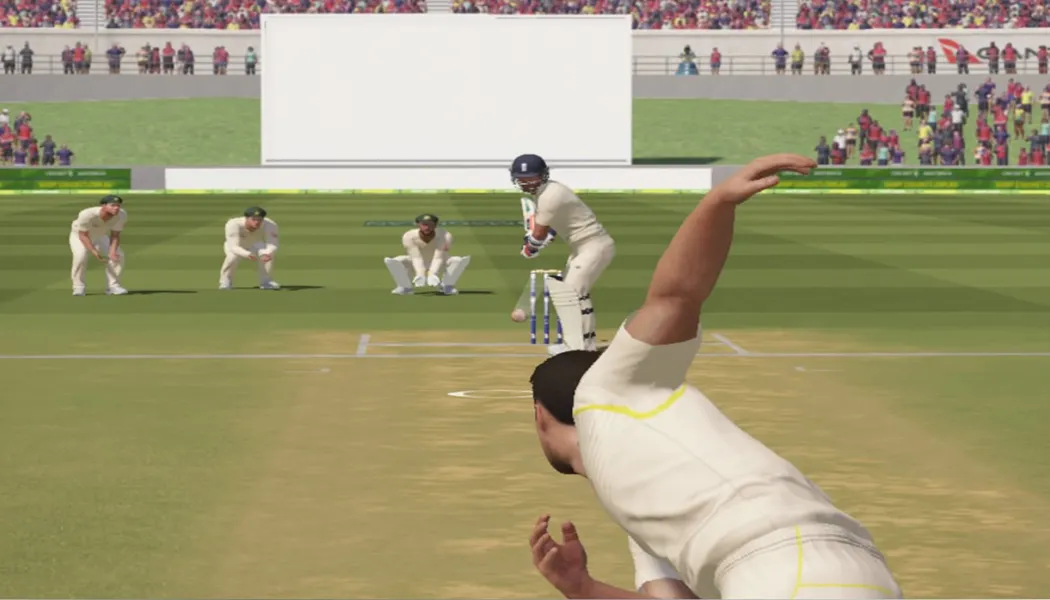
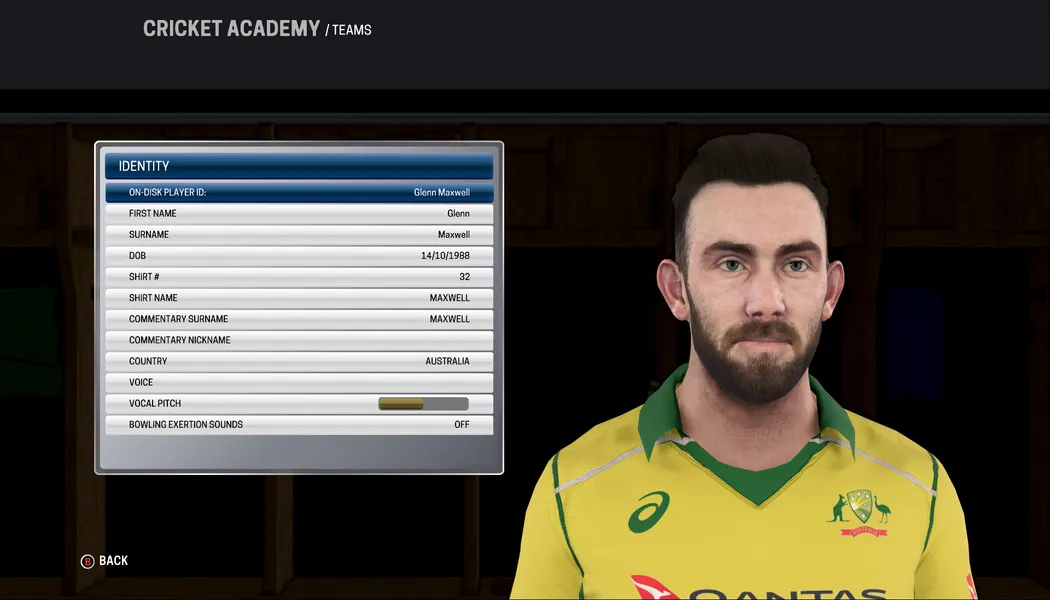
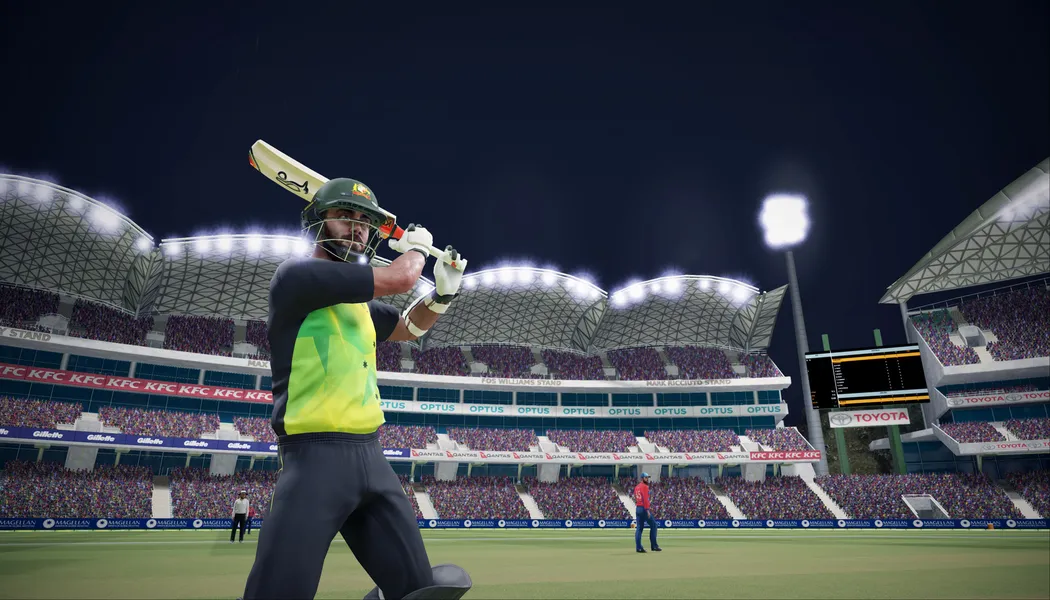
Ashes Cricket 2017 (12.2 GB) is an Sports video game. Developed and published by Big Ant Studios. It was released on 16 Dec, 2017 for Windows. Ashes Cricket is the officially licensed video game of cricket’s greatest rivalry. Bringing all the fast paced action, big hits and skill that you see in the greatest cricket competition on earth, in both a more realistic and authentic way than ever before, you’ll be able to bathe your team in glory in the men’s and women’s 2017/2018 Ashes tours.
Before downloading make sure that your PC meets minimum system requirements.
Minimum System Requirements
Minimum System Requirements
- OS: Windows 7 (x64) or higher
- Processor: Intel Core i3-3210 / AMD Athlon II X4 555
- RAM: 4 GB
- Hard Drive: 12 GB available space
- Video Card: Radeon HD 6670 or NVIDIA Geforce GT710 with Min 2GB Memory
- DirectX: Version 11
Screenshots
How to Install?
- Extract the file using Winrar. (Download Winrar)
- Open “Ashes Cricket 2017” folder, double click on “Setup” and install it.
- After installation complete, go to the folder where you extract the game.
- Open “CODEX” folder, copy all files and paste it where you install the game.
- Then double click on “ashes” icon to play the game. Done!
How to Download?
If your don’t know how to Download this game, just Click Here!
If your don’t know how to Download this game, just Click Here!
Game Size: 12.2 GB
Password: www.apunkagames.net or apunkagames

Can I get the codex files I deleted them mistakenly
It’s a good game
i download this game sucessfully and i play it but sharing account is not working it says codex is disable login feauture so please help me
Hy
all 9 parts are same how to extract 9 parts tutorial please
you should extract first part
Agar single link se Kiya ho to phir konse walay ko karein
I play i3, intel HD graphics 4000, 2gb ram
I can play i3 Intel HD graphics 4000 2gb ram
Please reply
no
upgrade your ram only 6 gb can run
My all games are running, but Ashes Cricket 2017 shows 0xc000007b error
https://www.youtube.com/watch?v=-SyCEc4J1bQ
It Want steam
0xc000007b error
i tried every solution but not working
https://www.youtube.com/watch?v=-SyCEc4J1bQ
I didnot get setup-1 bin file . and setup is not running . what shoud i do ?
reinstall it and must disable firewal and antivirus before installing
hi where is the third part of single link download i download it but they said url are not found on this page
download one by one all links are working fine if error still there refresh the page.
bro single file part 3 is not downloading it shows there is no url plz again upload part 3
download one by one all links are working fine if error still there refresh the page.
after coying all the code files i tried to click ashes.exe file and getting the error message that “the code execution cannot proceed because MSVCP140.dll was not found. Reinstalling the program may fix this problem”
I again reinstalled the program and getting the same message upon running. Please help me.
(Runtime Errors or Missing MSVCR100 or 110.dll etc..) also more like (Missing dll d3dx3_code or XINput.dll errors) (0xc00007b error). How can I fix these? Ans. None of these errors or other errors will going to occur, if you have these softwares installed in your PC. DirectX 9 – DirectX 11 – Graphic Drivers – Microsoft Visual C++ – .NET Framework These software are not installed during the window installation process. So you have to install these software manually, It will allow you to run any game without errors. After installing these software (Microsoft Visual C++ – .NET Framework – DirectX 9) then open the game it will work 100%!
How can I replace the existing players with best please tell some solution for it.
The game is not opening
Did you paste crack files after installation finished? Please follow the instructions step by step: before extracting and installing the game, turn off your antivirus. After installation, you can turn it back on, as antivirus software may block DLL files.
01. After installation complete, go to the folder where you extract the game.
02. Open “CODEX” folder, copy all files and paste it where you install the game.
03. Then double click on “ashes.exe” to play the game. Done!
I first downloaded all the three parts. Then extract them all together in a separate folder( which I named Ahmad cricket 17 ). Then installed setup file and copy all the files from codex folder to this Ahmad folder. Then opened the ashes.exe but black screen for 2-3 seconds then autoback
Bro, since the game shows a black screen for 2–3 seconds and then closes, it could be a compatibility or missing-runtime issue. First, make sure all 3 parts were downloaded completely and extracted correctly, then try running the game as administrator and install the required Microsoft Visual C++ Redistributable and DirectX runtimes.
It’s a CODEX cracked setup with fast installation. Works 100%. Before extracting or installing, check your antivirus/Windows Security to make sure it hasn’t blocked or quarantined any required DLL files. You can temporarily disable real-time protection during extraction and installation, then turn it back on afterward. 🎮❤️
We check again. This game is 100% working setup. Please follow the instructions step by step: before extracting and installing the game, turn off your antivirus. After installation, you can turn it back on, as antivirus software may block DLL files.
Download all parts and paste them into one new folder.
01. Extract the file using Winrar part 1 and automatically all parts will extracted.
02. Open “Ashes Cricket 2017” folder, double click on “Setup” and install it.
03. After installation complete, go to the folder where you extract the game.
04. Open “CODEX” folder, copy all files and paste it where you install the game. (Click Replace)
05. Then run the game using “ashes.exe” to play the game. Done!