
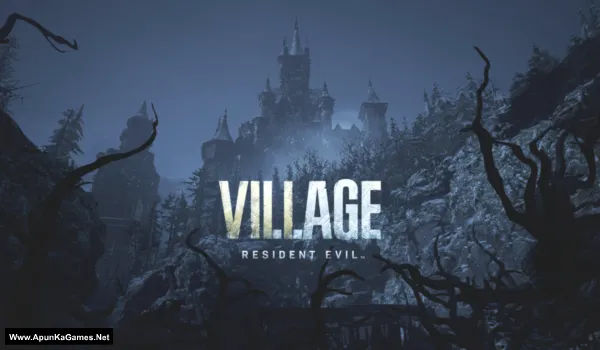
Resident Evil Village Game – Overview – Free Download – PC – Specs – Screenshots – Installation Video
Type of game: Action-adventure, Survival Horror
Type of game: Action-adventure, Survival Horror
PC Release Date: May 7, 2021
Developer/Publishers: CAPCOM Co., Ltd.
Resident Evil Village (26.5 GB) Resident Evil Village is a survival horror game developed and published by Capcom. It continues the story of Ethan Winters after the events of Resident Evil 7. Set in a mysterious European village, players must explore dark locations, solve puzzles, and fight terrifying creatures. The game introduces powerful enemies including the iconic Lady Dimitrescu. Combining survival horror, exploration, and action gameplay, Resident Evil Village delivers a tense and cinematic horror experience for PC players.
Developer/Publishers: CAPCOM Co., Ltd.
Resident Evil Village (26.5 GB) Resident Evil Village is a survival horror game developed and published by Capcom. It continues the story of Ethan Winters after the events of Resident Evil 7. Set in a mysterious European village, players must explore dark locations, solve puzzles, and fight terrifying creatures. The game introduces powerful enemies including the iconic Lady Dimitrescu. Combining survival horror, exploration, and action gameplay, Resident Evil Village delivers a tense and cinematic horror experience for PC players.
Before downloading make sure that your PC meets minimum system requirements.
Minimum System Requirements
- OS: Windows 10 (64-Bit)
- Processor: AMD Ryzen 3 1200 / Intel Core i5-7500
- RAM: 8 GB
- Hard Disk: 30 GB available space
- Graphics Card: 4 GB, AMD Radeon RX 560 / NVIDIA GeForce GTX 1050 Ti
- DirectX: Version 12
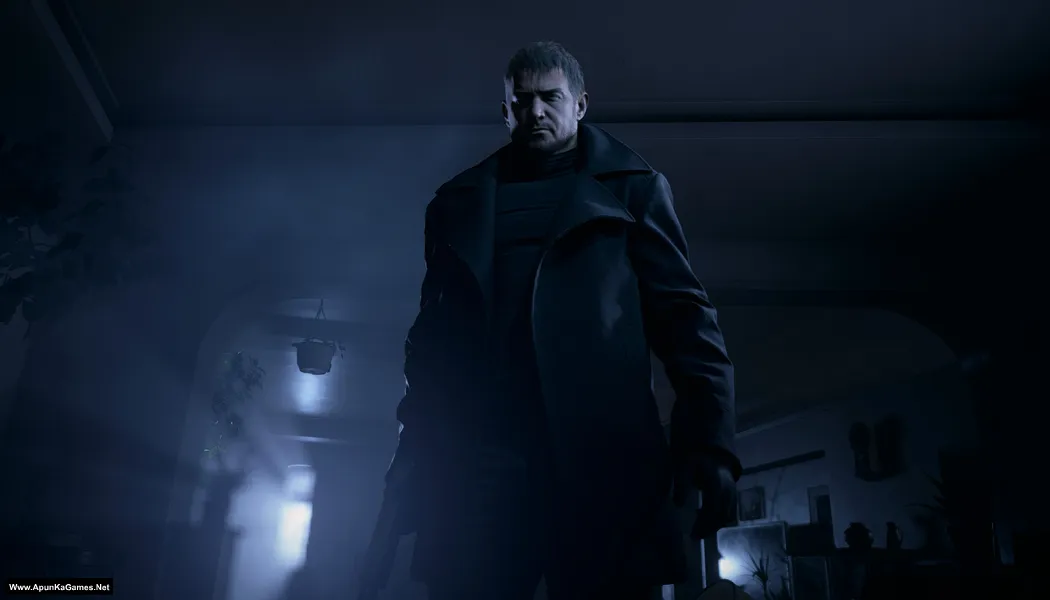
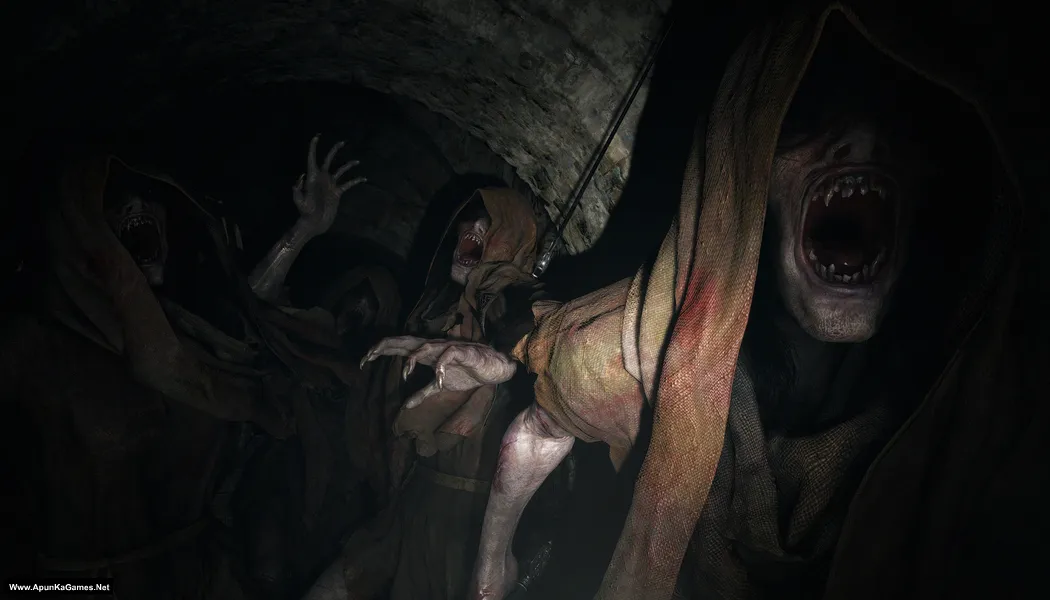
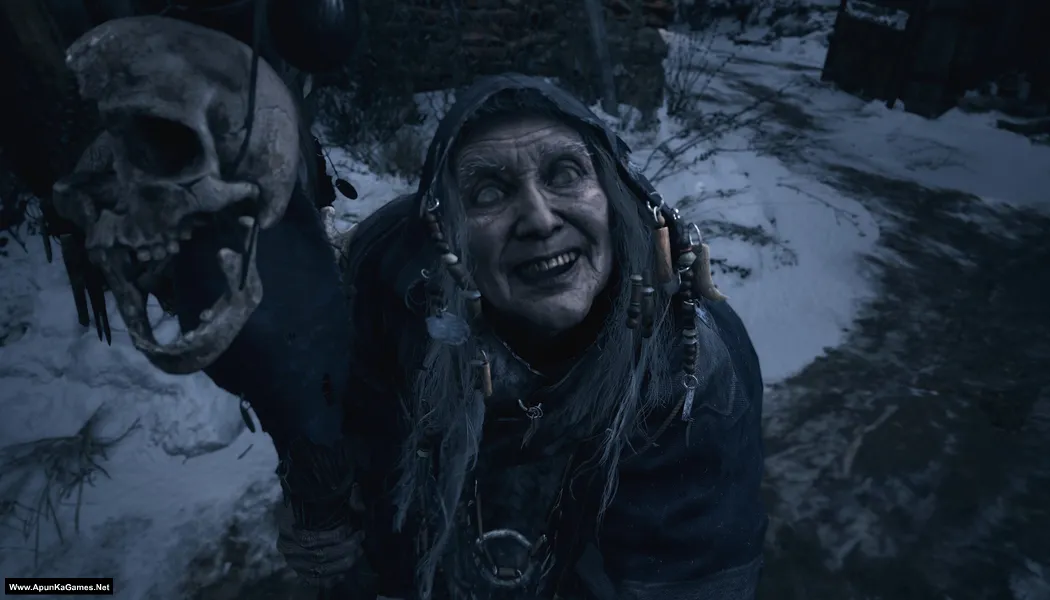
Screenshots
How to Install?
- Extract the file using Winrar. (Download Winrar)
- Open “Resident Evil Village” folder, double click on “Setup” and install it.
- After installation complete, go to the folder where you extract the game.
- Open “EMPRESS” folder, copy all files and paste it where you install the game.
- Then double click on “re8” icon to play the game. Done!
How to Download?
If your don’t know how to Download this game, just Click Here!
Game Size: 26.5 GB
Password: www.apunkagames.net or apunkagames

will it work in windows 11?
Yes
How bro 😭 game not lounching
Loading issue bro how fix plz tell me
Resident Evil 4 Remake pls🙏
DOES IT HAS THIRD PERSON MODEEEE
Well i think yes! but not sure…
can you upload Resident Evil 4 remake.
Sure brother… Sooner we will upload this game. Stay tuned!
download pls
Click “Click Here to Download This Game” to start the download.
The files are hosted on the file locker in 6 parts (5 GB each).
Total game size: 26.5 GB
bro is there any crash report in it
does this include the rose dlc?
Not 100% sure but i think no.
Bro the game is not working after installation when i run the re8.exe nothing happens. I have tried running it as administrator and also i have did what you said in the Readme.txt file I turned off the Windows Defenders everything but still the game simply does not start
Sorry you’re facing this issue. It sounds like the game files may be incomplete, corrupted, or blocked by your system even after disabling Windows Defender. First, make sure all required files were extracted properly and that no crack or DLL file was deleted automatically. Try reinstalling the game in a simple folder like C:\Games\RE8, install/update Microsoft Visual C++ Redistributables, DirectX, and .NET Framework, then run re8.exe again as administrator. Also check your antivirus quarantine and Windows Event Viewer, because sometimes the game is blocked silently with no error message.
bro is it working now ??? i am facing the same issue
Bro please I want resident evil requiem, when you are adding it
Soon in 2 days!
Bro please add black myth wukong please 🥺
in this week. Both games Black Myth Wukong + Resident evil requiem.
Apunka resident evil village file not found please reupload
Check now… links are working fine from Thefileslocker.
Tnx bro game is working ❤️
Thank you so much brother ❤️ We’re really happy to hear the game is working fine for you. Enjoy gaming and thanks for your support 🎮👍
i downloaded this game but the thing is im having some video codec problem my game is not even opening so pls help me im downloading game from here like 4 to 5 years so yea i want a lil help
Brother, this is usually caused by missing or outdated video codecs, GPU drivers, or DirectX files. Try updating your graphics drivers first, then reinstall DirectX and Microsoft Visual C++ Redistributable. You can also install a codec pack like K-Lite Codec Pack because some games need extra video codecs to launch properly. Run the game as administrator after installing them. Since other games from the site work for you, this is most likely just a codec or driver issue 👍
Love you are website game is working❤️
Thank you so much ❤️ We’re really happy to hear the game is working fine for you. Enjoy gaming and thanks for your support 🎮👍
Apunkagames resident evil village file not found please reupload 🥺 pls pls
Download from Thefileslokcer. Links are working fine from our side download one by one to avoid errors. Wait for 1st part to finish then click on 2nd to start download. Thefilelocker can’t support multiple downloads.
Bro plz include full version of resident evil village with shadow of rose dlc plz🥺
Noted brother… soon we will add!
Plz upload resident evil village with shadow of rose dlc plz 🥺
Noted! we will add soon as we can!
i tried to download it but when ever after completeing captcha and click on final download button it shows url not found
In reply to arsheel.
Brother, all links are working fine 👍 Before downloading, temporarily turn off your antivirus because sometimes it blocks downloads from TheFileLocker due to full-version game files.
Also, download from TheFileLocker and make sure to download the parts one by one. For example, wait for Part 1 to finish downloading completely, then click Part 2, complete the captcha, and start the next download. If you try downloading multiple parts at the same time with IDM, the next part may show an error.
Follow these steps and the download should work properly 👍
Same issue 😭
Very good website love u apunkagames.net
Using this website from years ,I’m having a issue
In the fileslocker its taking too much time after clicking on download but the download doesn’t start plz fix it
Thank you so much for your love and support! ❤️ Temporarily disable your antivirus or Windows Defender, as they may block downloads from TheFileLocker. Please try downloading using IDM, or use a different browser such as Chrome, Edge, or Firefox. You can also try using a VPN, as it works for some users depending on their network.
bro game is not lunching i open re8.exe nothing happens Pls Help guide Me Pls😭
After the installation is finished, did you replace the “EMPRESS” folder files in the folder where you installed the game?
Please follow these instructions:
01. After the installation is complete, go to the folder where you extracted the game.
02. Open the “EMPRESS” folder. Copy all the files from the folder and paste them into the folder where you installed the game.
03. If Windows asks whether you want to replace existing files, select “Replace the files in the destination.”
04. Then double-click “re8.exe” to launch the game.
You should now be able to play the game. Done!
I got the same issue Team Apunkagames, Yaar koi response nahi a rha, when i click on opening the game as admin nothing works. phir i opened event viewer and this is what it showed
Faulting application name: re8.exe, version: 0.0.0.0, time stamp: 0x60825e9b
Faulting module name: ntdll.dll, version: 10.0.26100.8972, time stamp: 0x59a29eb0
Exception code: 0xc0000005
Fault offset: 0x0000000000046821
Faulting process id: 0x464
Faulting application start time: 0x1DD3F94C27CFA2A
Faulting application path: D:\Resident Evil Village\re8.exe
Faulting module path: C:\WINDOWS\SYSTEM32\ntdll.dll
Report Id: c657b721-457c-4178-9102-0fd00dc1b0e6
Faulting package full name:
Faulting package-relative application ID:
I tried for 2-3 hours fixing this issue, still no solution, asked every Ai, they say the problem is something related to window 11 feature that has to be changed in BIOS or something… bro if u have a better solution to this please tell me
Thanks for sharing the Event Viewer details. Bro, did you copy the files from the EMPRESS folder and replace/paste them into the folder where you installed the game? Please make sure you’ve completed this step and then try launching the game again. The 0xc0000005 error points to an access-violation crash, but I wouldn’t jump straight to BIOS/Windows 11 settings. First, make sure all the game files are complete. Also, download and install the latest Microsoft Visual C++ Redistributable from Microsoft. Before extracting or installing the game, temporarily disable your antivirus/Windows Security, as they can sometimes block or remove required files. After installation, try running the game in Compatibility Mode and as administrator. 🎮🙏
Tried whatever you said already, So basically after copy-pasting the files u have given with the game the “EMPRESS” files, i tried running the game, but the game doesn’t give any response, then i tried searching around for some other crack files that might fix it, and i did found some files by the name “RUNE” or something like that.
I pasted those files from that crack into the game folder, and the game did started but in WINDOWED screen and BLACK screen, there’s no sound no nothing, just the game runs in windowed screen, i tried pressing ALT + ENTER, i waited several minutes, theres no change.
So far I’ve tried everything i could in my strength, I tried changing date/time – I tried checking all my drivers are upto date, and they are. I tried several Crack files, I tried reinstalling several times too, my Windows Security remained off the whole time, There’s nothing in the Window Security history that i can restore too.
everything i tried failed, if you still have any solution to this please help me with it. (Also do u guyz have any discord server for quick assistance?)
Bro, just to clarify, the EMPRESS version and RUNE version are different releases. Below the EMPRESS version, we’ve also uploaded the latest RUNE setup, which is updated to the latest version and includes the DLCs. Both versions are working properly on our PCs. If the EMPRESS version isn’t working for you, you can try the RUNE version instead.
However, since you’ve already tried multiple fixes and the game works on our PCs, it’s possible that something on your Windows system, drivers, or another installed software is causing the issue. If the RUNE version also gives you the same black-screen problem, let us know and we’ll try to help you further. ❤️
Regarding Discord, we don’t currently have a Discord server for quick assistance. 🙏🎮
We have added a new setup to the TheFilesLocker link page. Below the Empress Version download links, you will see Download Resident Evil Village v1.2.3.9 + All DLCs (RUNE) Latest Update PC – 34.1 GB.
This is the latest version, including the latest two updates for Resident Evil Village along with all DLCs. If anyone wants to download the game with the latest updates, choose the download link below the Empress Version on the TheFilesLocker page.
We check again. This game is 100% working setup. Please follow the instructions step by step: before extracting and installing the game, turn off your antivirus. After installation, you can turn it back on, as antivirus software may block DLL files.
Download all parts and paste them into one new folder.
01. Extract the file using Winrar part 1 and automatically all parts will extracted.
02. Open “Resident Evil Village” folder, double click on “Setup” and install it.
03. After installation complete, go to the folder where you extract the game.
04. Open “EMPRESS” folder, copy all files and paste it where you install the game.
05. Then double click on “re8.exe” to play the game. Done!
Note: This is an EMPRESS setup with All DLCs. It has a very fast installation process and works 100%. We tested it on Windows 10 (64-bit).
Bro I did everything exactly as you instructed including turning windows securty off, adding exclusions, updating redis directx everything. Yet the exe isn’t even initiating anything. Is it due to Windows 11’s new update problem?
Bro, it could be related to a recent Windows 11 update, but it’s not necessarily the cause. If the .exe doesn’t even start after you’ve already updated DirectX, Visual C++ Redistributables, GPU drivers, and added exclusions, it may be crashing immediately or being blocked by another Windows component. Otherwise, there are two setups available on TheFileLocker. The old setup is the EMPRESS version, and the new setup is the one listed below the old setup links: Resident Evil Village v1.2.3.9 + All DLCs (RUNE) Latest Update PC — 34.1 GB. This one includes the latest update and is also working, so I recommend trying the new setup as well.
Do you guyz have a discord server btw?
Anyways, my game was first not even starting, i think downloaded some repack files from different website, which made the game run in windowed screen, but the screen is completely BLACK – like the game does start, but the screen is black and in Windowed Screen.
No matter how long i wait on the screen nothing works
– I tried keeping the window security off before installation
– I tried changing the time back and forth to test.
– I tried everything I could, nothing is working out. please help
Bro, first try these steps one by one: 1) Update your GPU/display drivers to the latest version. 2) Download and install the latest Microsoft Visual C++ Redistributable from Microsoft. 3) Before extracting or installing, check your antivirus/Windows Security to make sure it hasn’t blocked or quarantined any required game files; if you trust the source, you can temporarily disable real-time protection during extraction and installation, then turn it back on afterward. 4) If the black screen still remains, make sure your Windows is fully updated and restart your PC. ❤️🎮
We don’t currently have a Discord server, brother. 🙏
! D:\Games\Download\Resident Evil Village + All DLCs (Www.ApunKaGames.Net).part1.rar: Checksum error in Resident Evil Village + All DLCs (Www.ApunKaGames.Net)\setup-1.bin. The file is corrupt
Im getting this error in the 34 gb all dlc version
Brother This checksum error means Part 1 or the setup-1.bin data is corrupted/incomplete. Please delete Part 1 and download it again from the beginning—don’t resume the download. Keep all parts in the same folder and extract Part 1 only. If it still happens, send us a screenshot and the exact Part 1 file size. 👍