
Call of Duty: Black Ops 6 Game – Overview – Free Download – PC – Specs – Screenshots – Installation Video
Type of game: Action-FPS/Shooting
Type of game: Action-FPS/Shooting
PC Release Date: November 1, 2024
Developer/Publishers: reyarch, Raven Software, Beenox, High Moon Studios, Activision Shanghai, Sledgehammer Games, Infinity Ward, Demonware, Activision
Call of Duty: Black Ops 6 (43.8 GB) is a fast-paced first-person shooter developed by Treyarch and Raven Software. Set during the early 1990s after the Cold War, the game follows a covert team fighting a shadowy organization manipulating global events. It features an action-packed campaign, competitive multiplayer with new movement mechanics, and the return of the popular Zombies mode. With cinematic missions, advanced weapons, and dynamic gameplay systems, Black Ops 6 delivers an intense modern Call of Duty experience.
Developer/Publishers: reyarch, Raven Software, Beenox, High Moon Studios, Activision Shanghai, Sledgehammer Games, Infinity Ward, Demonware, Activision
Call of Duty: Black Ops 6 (43.8 GB) is a fast-paced first-person shooter developed by Treyarch and Raven Software. Set during the early 1990s after the Cold War, the game follows a covert team fighting a shadowy organization manipulating global events. It features an action-packed campaign, competitive multiplayer with new movement mechanics, and the return of the popular Zombies mode. With cinematic missions, advanced weapons, and dynamic gameplay systems, Black Ops 6 delivers an intense modern Call of Duty experience.
Before downloading make sure that your PC meets minimum system requirements.
Minimum System Requirements
- OS: Windows 10 64-Bit (latest update)
- Processor: AMD Ryzen™ 5 1400 or Intel Core™ i5-6600
- RAM: 8 GB
- Hard Disk: SSD with 102 GB+ available space at launch
- Graphics Card: AMD Radeon™ RX 470, NVIDIA GeForce GTX 960 or Intel® Arc™ A580
- DirectX: Version 12
- Network: Broadband Internet connection
Screenshots
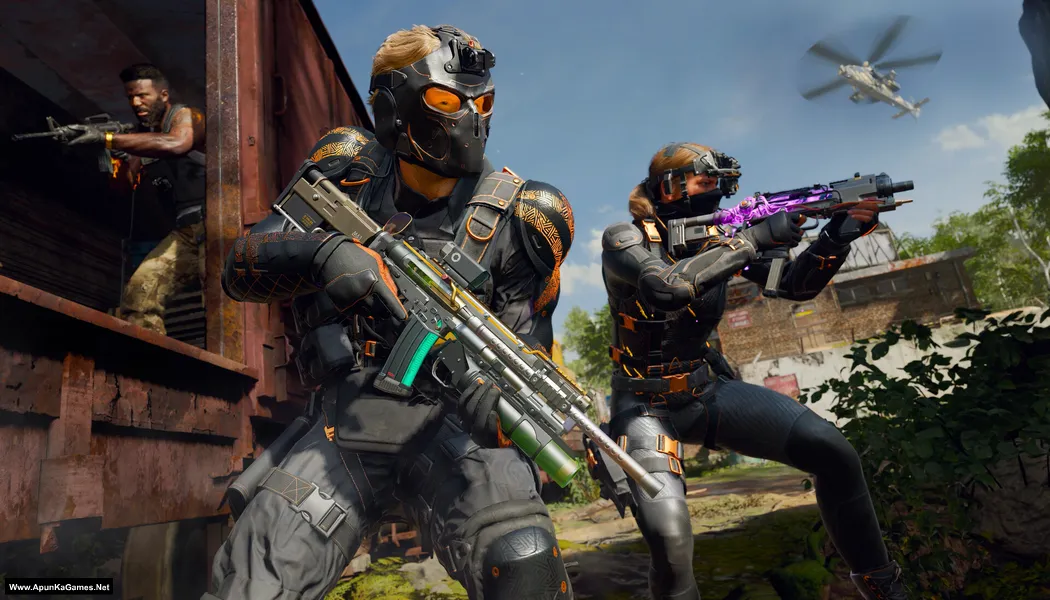
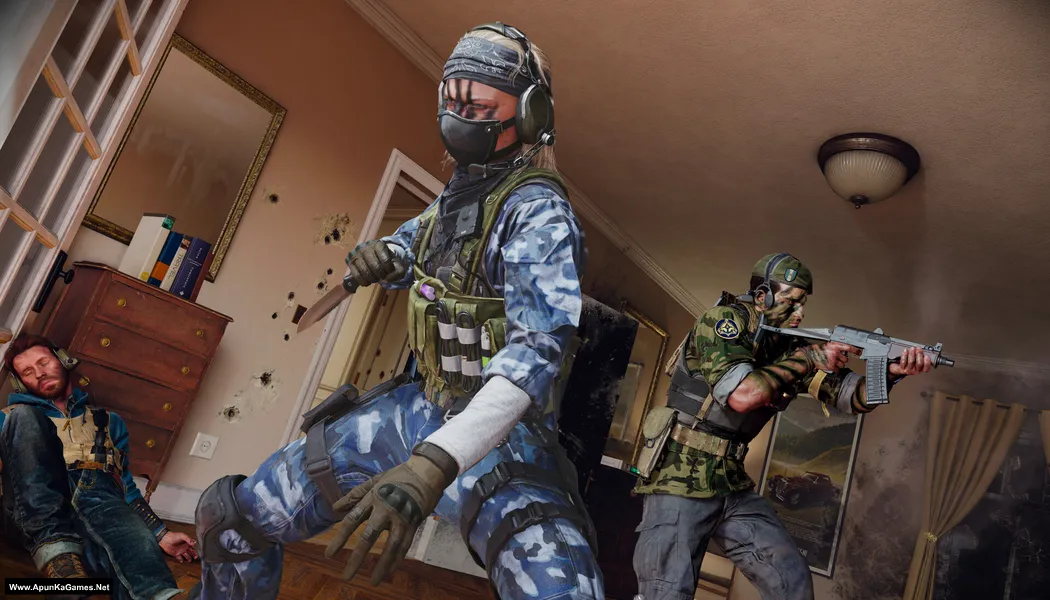
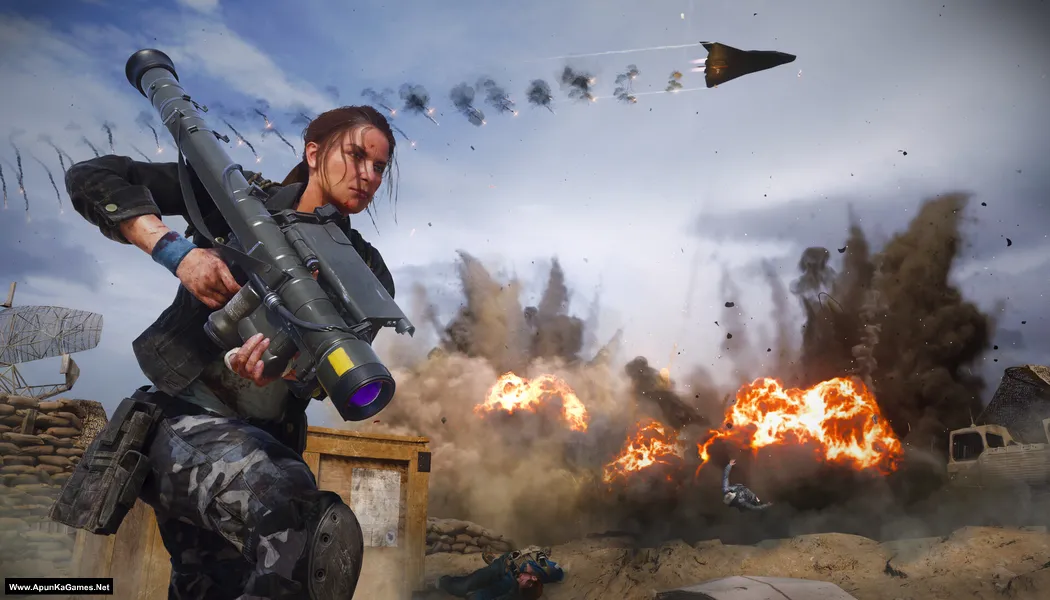
How to Install?
- Extract the file using Winrar. (Download Winrar)
- Open “Call of Duty Black Ops 6” folder, double click on “Setup” and install it.
- After installation complete, go to the folder where you extract the game.
- Open “MD5” folder, copy all files and paste it where you install the game.
- Then double click on “Game” icon to play the game. Done!
How to Download?
If your don’t know how to Download this game, just Click Here!
Game Size: 43.8 GB
Password: www.apunkagames.net or apunkagames

Game not open why bro
After installation is completed did you paste the crack which is in “MD5” folder? if not then copy MD5 folder files and paste it directory where you install the game… Then start the game it will work!
Can do multiplayer only ?
Only Single-player.
Game name: Call of duty black ops cold war
Request:New to upload
Upload it to:TheFilesLocker “Default”
Noted. We will ensure that Call of Duty: Black Ops Cold War is uploaded as soon as possible. Thank you for your patience.
Game name: Assassin’s Creed Mirage
Request:New to upload
Upload it to:ThefilesLocker “Default”
How to install Call of Duty Black Ops 6, Follow my guidience:
01. Open the ‘Call of Duty: Black Ops 6’ folder, double-click on ‘Setup,’ and install it.
02. The installation will take some time. Once all files are verified, finish the installation.
03. After that, go to the folder where you installed the game.
04. Open the game folder and right-click on ‘!start_sp24.bat’ (Windows Batch File) to play the game.
Note: It’s a 100% working game—verified and checked. This setup is for the campaign only!
Bro installation want finish stuck at 0.1 percent so many dll files and other bat files missiing
Although extracted via 7 zip bin file missing.
Before installing or extracting the game, you must turn off your antivirus. We check this and played. it’s 100% working game setup!
Tell me step by step processhow to over come this thanks bro mine is windows11 pro 32 Ram Rtx 4070i 354 gb space left to download this. Thanks in advance.
01. Download all 9 parts and place them in a single new folder.
02. Extract only Part 1 — the rest will extract automatically.
03. Open the “Call of Duty Black Ops 6” folder.
04. Double-click Setup and install the game.
05. After installation, go to your desktop.
06. Launch the game using the Game icon.
9 th part downloading problem
In reply to arsheel.
Brother, all links are working fine 👍 Before downloading, temporarily turn off your antivirus because sometimes it blocks downloads from TheFileLocker due to full-version game files.
Also, download from TheFileLocker and make sure to download the parts one by one. For example, wait for Part 8 to finish downloading completely, then click Part 9, complete the captcha, and start the next download. If you try downloading multiple parts at the same time with IDM, the next part may show an error.
Follow these steps and the download should work properly 👍
Have you got the solution ? facing the same problem
Yes, bro! Try downloading the parts one by one from TheFileLocker; it should download properly. 👍
There are also other servers available, such as MediaFire, so if you want, you can download Part 9 from MediaFire instead. ❤️
bhai wo call of duty black ops 6 k 5 gb ke 9 part ko install kese kare
Download one by one to avoid errors.
Jawab mila kya? Mera bhi 9th part problem kar raha h
Bro, browser change karke download karne ki try karo. Firefox ya Chrome se download karke dekho. 👍
Aur download se pehle AdBlocker aur antivirus temporarily off karke try karna, kyunki aksar inki wajah se download link properly show nahi hota.
Humne check kiya hai — IDM se Part 9 ka link properly working hai aur server par download ho raha hai.
Sir please upload Call of Duty Black Ops COLD WAR. Love You Bro.
Noted brother love you too.. we will upload COD: BO COLD WAR soon as possible. Thanks!
it is in arabic
Here are all the languages available in Call of Duty: Black Ops 6.
Interface Language: English, Russian, French, Italian, German, Spanish – Spain, Korean, Polish, Traditional Chinese, Japanese, Spanish – Latin America, Arabic, Simplified Chinese, Portuguese – Brazil
Audio Language: English, French, Italian, German, Spanish – Spain, Japanese, Spanish – Latin America, Portuguese – Brazil
Mr, does this game have multiplayer ?
Nope!
Bro, this downloadable just contains WinRAR installation setup, that’s it. Where is game setup and installables?
When the WinRAR tab opens, just close it because it’s an ad. Then click the download link again and it will open the real game download link. First close the ad tab, then click again to start the actual download 👍
hey when will the black ops 7 come ?????and nice job i have been waiting for the new cods to get cracked and finally u guys did it i have been using u guys from like 2016 it been 10 years and apun ka games is the goat i am from pakistan
Hey brother 👍
We don’t have any official release date for Call of Duty: Black Ops 7 yet, because it hasn’t been fully released/confirmed by the developers publicly with a fixed PC launch timeline. Thanks a lot for your long support since 2016 ❤️ Really appreciate it.
but black ops 7 was released in nov 2025 like when will the crack come …………….welcome
Not sure about the exact time, brother. Whenever it becomes available online, we will post it on our website 👍
Oh okay
Does it support saving progress when we close the game, like when we play the desert mission?
Part 9 not working, I have downloaded all part one by one but 9th part is not there
Brother, the link is working fine. Sometimes this can happen when you start or download multiple parts at the same time from TheFileLocker.
Temporarily disable your antivirus/Windows Security while downloading, as it can sometimes block or interrupt files from cracked games. Please close all active IDM downloads and download the parts one by one. We’ve checked the links from our side, and they are working fine. Please download one part at a time and it should work, brother. If it still doesn’t work, try opening the download link using a VPN and then download the part. 🔥
yaar is game ka kia scene ha bhai pirated version to online kuch bhi support nhi karta to phir ye game kise run ho gie ?????? jab ke ye game to sirf online ha??
Bhai, yeh cracked version hai, is mein sirf Campaign/Story Mode play kar sakte hain. Online Multiplayer, Warzone ya baqi online features pirated/cracked version mein support nahi karte. Agar game online-only hai, to uske online features ke liye official purchased version chahiye.
how to start a new game, i mean when we open the game there are already saved missions available. If we close the game in between of the mission, then we are bound to play the mission from the start which is very annoying.
Bhai, if you’re talking about Call of Duty: Black Ops 6, the available missions at the start are likely from an existing save/profile. To start fresh, try deleting or backing up the game’s save/config folder and then launch the game again.
Also, if you quit during a mission, the game may only let you restart from the beginning of that mission depending on where the last checkpoint/save was made. Try reaching a checkpoint before exiting the game.