
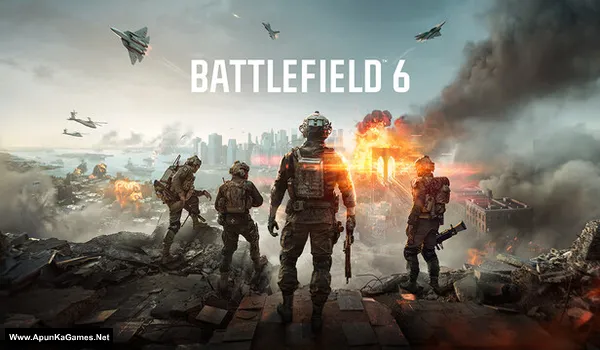
Battlefield 6 v1.0.387 Game + DLCs + Fast Install – Overview – Free Download – PC – Specs – Screenshots – Free
Type of game: Action-First person shooter
PC Release Date: October 10, 2025
Developer/Publishers: Battlefield Studios, Electronic Arts
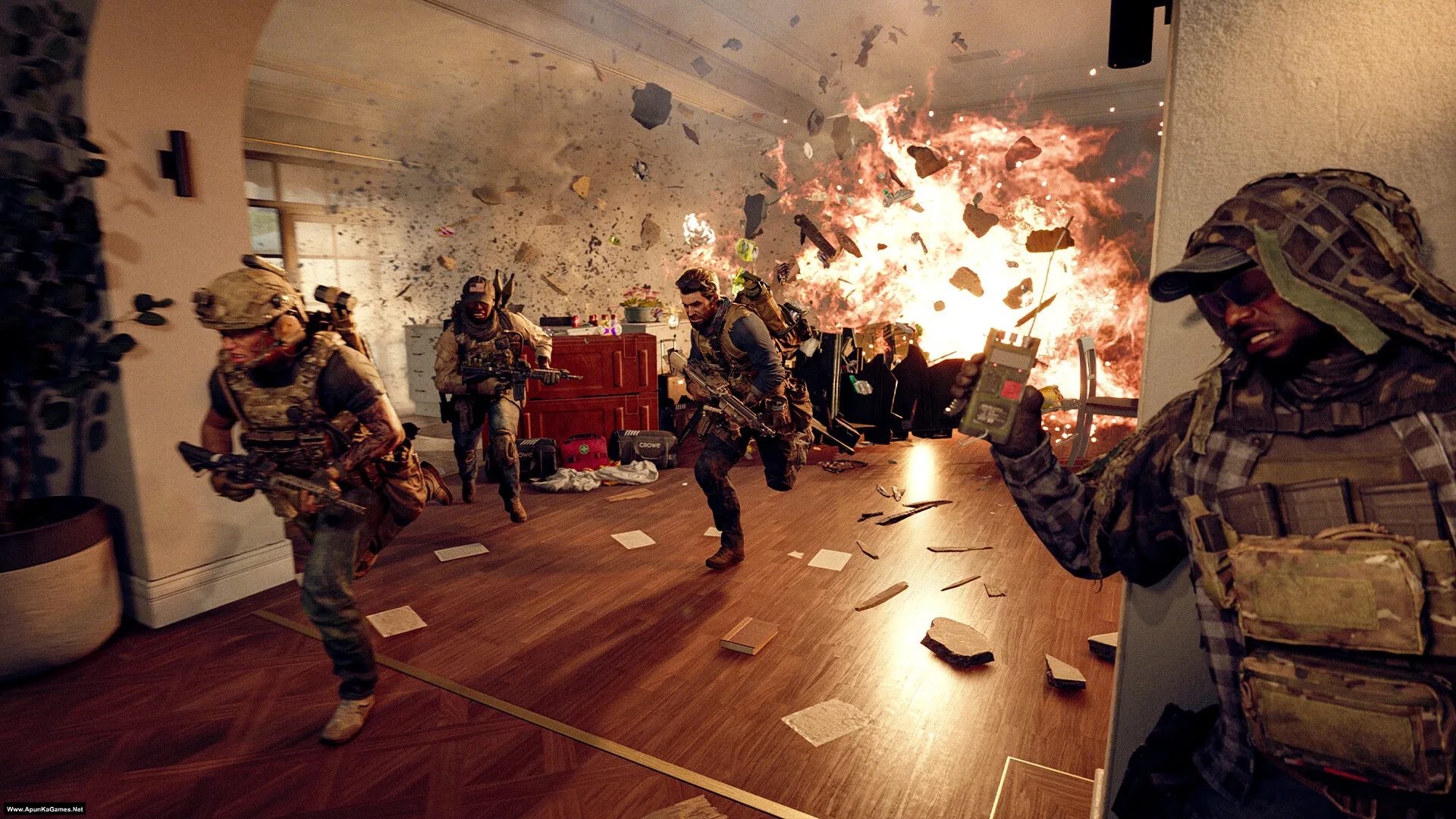
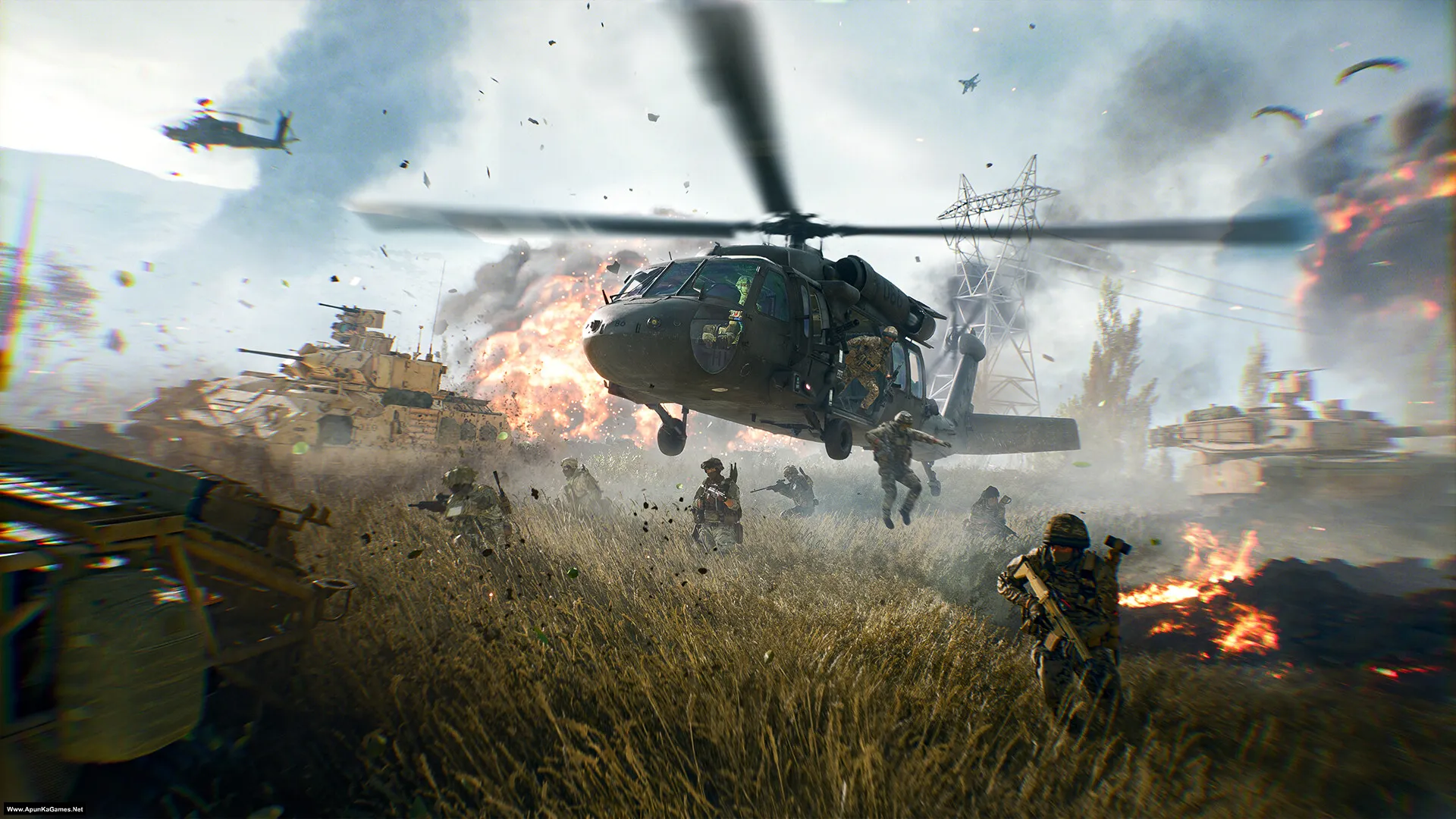
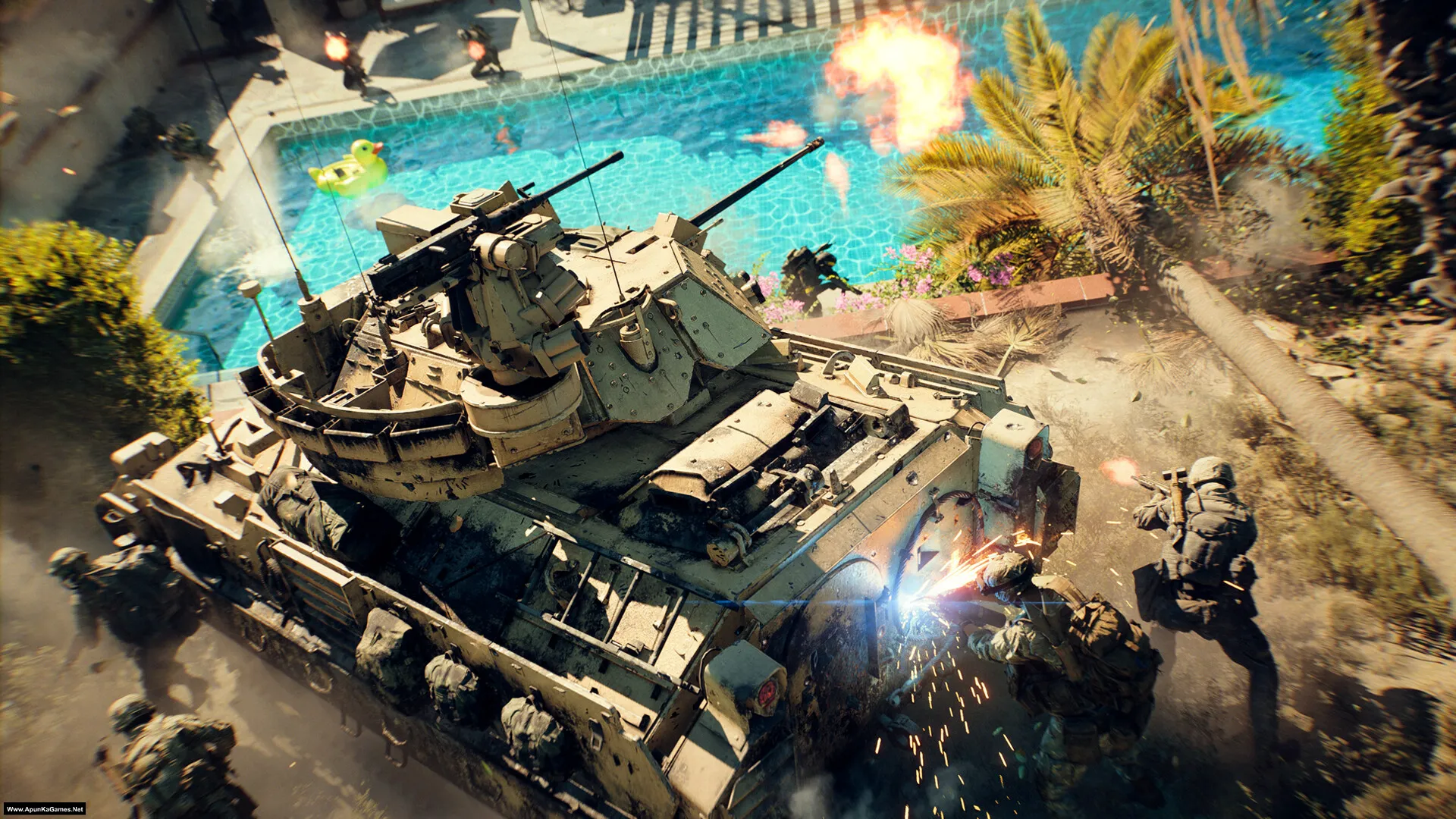
Battlefield 6 (84.4 GB) is an Action-FPS video game. Developed and published by Battlefield Studios, Electronic Arts. It was released on October 10, 2025 for Windows. Battlefield 6 is a modern large-scale shooter focused on all-out warfare and teamwork. Gameplay features massive maps, intense infantry combat, vehicles, and dynamic battles designed around fast action and squad-based play.Included DLCs:
Type of game: Action-First person shooter
PC Release Date: October 10, 2025
Developer/Publishers: Battlefield Studios, Electronic Arts
Battlefield 6 (84.4 GB) is an Action-FPS video game. Developed and published by Battlefield Studios, Electronic Arts. It was released on October 10, 2025 for Windows. Battlefield 6 is a modern large-scale shooter focused on all-out warfare and teamwork. Gameplay features massive maps, intense infantry combat, vehicles, and dynamic battles designed around fast action and squad-based play.Included DLCs:
- Battlefield™ 6 Marker
- Battlefield™ 6 Multiplayer & Single Player Shared Data
- Battlefield™ 6 Single Player
- Battlefield™ 6 Standard Edition Marker
- Battlefield™ 6 Standard Edition Pre-order Marker
- Battlefield™ Standard Edition Marker
- Battlefield™ 6 – Single Player HD Textures
- Battlefield™ 6 Multiplayer & Single Player Shared HD Textures
- Battlefield™ 6 HD Textures
Before downloading make sure that your PC meets minimum system requirements.
Minimum System Requirements
- OS: Windows 10 (64‑bit)
- Processor: Intel Core i5-8400, AMD Ryzen 5 2600
- RAM: 16 GB
- Hard Disk: 80 GB available space
- Graphics Card: Nvidia RTX 2060, AMD Radeon RX 5600 XT 6GB, Intel Arc A380
- Network: Broadband Internet connection
- DirectX: Version 12
Screenshots
How to Install?
- Extract the file using Winrar. (Download Winrar)
- Open “Battlefield 6” folder, double click on “setup” and install it.
- After installation complete, go to the folder where you install the game.
- Open folder, double click on “bf6.exe” to play the game. Done!
How to Download?
If your don’t know how to Download this game, just Click Here!
If your don’t know how to Download this game, just Click Here!
Game Size: 84.4 GB
Password: www.apunkagames.net or apunkagames

hle
yes
amd_ags_x64.dll missing error appears everytime
Download and install the latest Microsoft Visual C++ Redistributable packages from the official Microsoft website, and update your graphics card driver. If you encounter an error, search it on Google — it’s not a setup problem. The setup is 100% working; I’ve personally tested it myself.
Hi it’s in the folder SP. Black icon
Only campaign mode
yes!
Abe to pirated games pe multiplayer nhi chalte uske liye buy karna padta steam se kyuki uske updates aate rehte hai.
I never imagined apunkagames to have such a comeback in 2026
Cheers brother doing god’s work
I’m very thankful to you for providing me with all the peak games in my initial days of gaming…
Well brother, that really means a lot ❤️🙏 We truly appreciate your support and kind words. It’s amazing to hear that we were part of your early gaming days and helped you enjoy some peak titles.
Thank you for sticking with us — messages like this keep us motivated! 🎮🔥
Offline mode is playable or not?
Yes Offline mode is playable.
hi does anyone have any idea on why the pop-up screen freezes after clicking on the setup? Anyone facing the same issue?
It’s simple, toaklo. On the setup, it says to press the “UP” arrow key on your keyboard to unlock the setup, and then you can continue with the installation. 🎮
Ah! my bad I just couldn’t see well. Works now thank you.
No problem at all, brother! 😊 Glad it’s working now. Enjoy the game and happy gaming! 🎮
So amazing since i have my own pc i downloaded my favorite games from your site, thank you so much for making my gaming days so awesome.
Bhai, that’s awesome! 🎮 So glad our website could help you download your favorite games and make your gaming days amazing. Thanks for your support! ❤️
After downloading and extracting the game, when I click on setup, only the red logo appears and it doesn’t install. What should I do to install it? Please help.
If the setup only shows the red logo and does not start the installation, it usually means the installer is incomplete, blocked, or some required files are missing. First, make sure all game parts were downloaded fully and extracted without errors. Run the setup as Administrator, disable antivirus temporarily, and check whether all extracted files are in the same folder. Also install/update DirectX, Visual C++ Redistributables, and .NET Framework. If it still only shows the logo, the setup files may be corrupted, so download the files again carefully and extract them once more.
I can’t install the game. During setup, the red logo only appears at the start of the installation, and nothing else happens after that. Please help.
Wait for 1st parts to finish then click on 2nd download. All links are fine just download one by one. cancel all the active downloads in IDM and then click Part 3 it will download 100%.
Can I play this game in gtx 1660 6gb gpu
bonjour
pourquoi a chaque fois que je telecharge je me retrouve avec une installation de winrar ?
All games are uploaded in RAR format, so after downloading them, they will appear with the WinRAR icon if WinRAR is installed on your system.
BONJOUR
POURQUOI IL Y A A CHAQUE FOIS QUE DES INSTALLATIONS POUR WINRAR ?PAS DE JEU
Tell me the issue.
Me is website ko 5 saal sy use kr rha hu or ye bohut acha site hy games k liye…ak or khaas bat ye hy ke iski games bilkull thek hoty hy or ak chiz note kia he mene k admin har bandy ko reply detA hy….❤️
Thank you so much for your amazing support and for being with us for the past 5 years! ❤️ It truly means a lot to us. We’re really happy to hear you’ve had a great experience and that you’ve noticed we try to reply to everyone whenever we can. Your love and support keep us motivated to continue providing free games. Thanks again, and happy gaming! 🎮🥰
after extraction i did not find file set up in the folder ( all files has been downloaded corectly part 1- 17) but due to not enought space for download folder then i put to other folder. once all file has been downloaded then i make them in 1 folder then extract them
If you’ve downloaded all 17 parts, moved them into one folder, and extracted Part 1 only, then the setup should be there. If Setup.exe is missing, it’s most likely because Windows Defender or your antivirus quarantined or deleted it during extraction. Please check your antivirus Protection History/Quarantine, restore the file if it’s there, then temporarily disable your antivirus, add the extraction folder as an exclusion, and extract Part 1 again.
Please can battlefield play on
OS: Windows 11 Pro 64-bit
Processor: Intel Core i5-5200U @ 2.20 GHz
RAM: 16 GB (16,384 MB)
Graphics: Intel HD Graphics 5500
DirectX: DirectX 12
Bro, unfortunately Battlefield 6 won’t work on these specs. 😔
Your 16 GB RAM is okay, but the i5-5200U + Intel HD Graphics 5500 are much too weak for Battlefield 6. The game requires at least a dedicated GPU such as an RTX 2060, RX 5600 XT, or Intel Arc A380 with 6 GB VRAM.
I recommend trying an older Battlefield game that has much lower requirements.
plz upload baldur gate 3
Already noted, brother. ❤️ But it’s a very large game, around 140 GB, so it will take some time to prepare and upload. We’ll add it as soon as we can. Thanks for your patience and support! 🙏🎮
! F:\Games\New folder\Battlefield 6 – (Www.ApunKaGames.Net).part12.rar: Checksum error in Battlefield 6 – (Www.ApunKaGames.Net)\HD-Textures.doi. The file is corrupt
why is that?
This checksum error usually means Part 12 was downloaded incompletely or became corrupted. Since the error specifically mentions HD-Textures.doi, that file is not extracting correctly from Part 12.
Try this:
1. Check the size of Part 12 against the size shown on the download page.
2. If it is smaller, redownload Part 12 completely.
3. Make sure Part 12 has the exact same filename as the original.
4. Keep all parts in the same folder.
5. Don’t extract the parts separately—start extraction from Part 1 using WinRAR/7-Zip.
6. If you used IDM, make sure Part 12 was fully completed and not interrupted.
If only Part 12 gives the checksum error while the other parts are fine, redownloading Part 12 is the first thing to try.
Thanks for your kind reply and yes I already did and it extracted perfectly but now when I install the setup it’s not installing and Idk If I can attach a file here or not. no error nothing and just stucked.
Brother, glad to hear the files extracted perfectly! Since these are cracked setups, before starting the installation, make sure your antivirus/Windows Defender isn’t blocking or quarantining any setup files. If needed, temporarily disable real-time protection during installation and enable it again afterward. Also, if you have an SSD, install the game there, as this setup requires a lot of disk space and resources. Make sure you have enough free space before starting the installation. 🎮
after installation i palyed the first mission after that my pc got crached adn when i opened it again the game opens and keep on loading nothig happens plz help me
Brother, if the PC crashed after the first mission and now the game keeps loading with System Error Code 2, Record: 5, try these steps:
Restart your PC and run the game as Administrator.
Make sure your GPU drivers and Windows are fully updated.
Install the latest Microsoft Visual C++ Redistributable and DirectX Runtime.
Check Windows Security/Defender quarantine to make sure no game files were removed.
If the game created a corrupted save/config after the crash, try backing up and removing the game’s settings/save folder, then launch the game again.
If it still keeps loading, Tell us your PC specifications, and we’ll check it further.